01What it does
Skins
in plain words.
included in
Free, and every plan above it
Every built-in app is fully functional on the Free plan. See pricing.
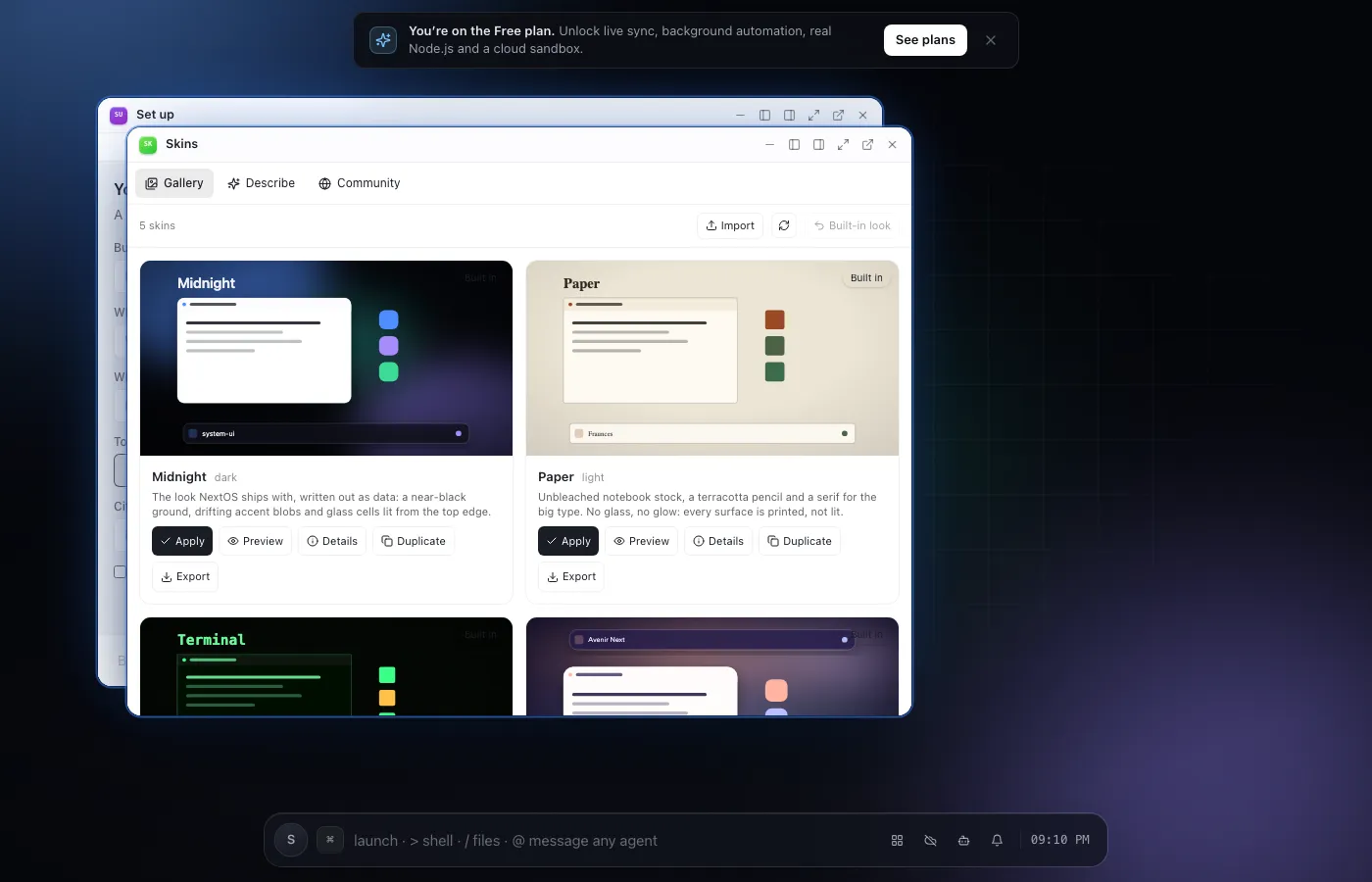
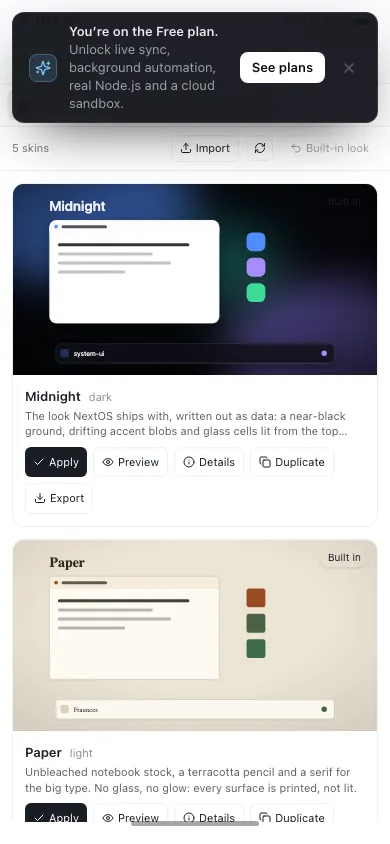
Skins is where you say what you want your computer to look like. Type a sentence - a warm paper notebook, a 1984 green terminal, Braun hi-fi in 1970 - and a designer agent picks the palette, the typeface, the sky, the corner radius and the shape of every app glyph, then repaints the entire system so you can look at it before you decide.
A skin is data, never code. It cannot run script, cannot load anything from the network except one Google Fonts stylesheet, and its own CSS only ever reaches the shell's own elements. Every skin is checked for contrast before it can be applied, with the actual number and a suggested fix for anything unreadable.
Keep as many as you like, switch between them, refine one by asking for a change, and export any of them as a file. Press Share and your skin is proposed to the community repository, where it gets its own page and anyone can install it.
02Features
- Describe a look and a designer agent builds the whole skin
- Repaints the Field, every window, the phone shell and every app's palette
- Five finished skins built in, previewable before you keep one
- Contrast checked before a skin can be applied
- Install what other people published, or share your own
04Related
05Also from the community
See all community toolsBuilt by people outside the core team, installable from the App Store.
- chess.app
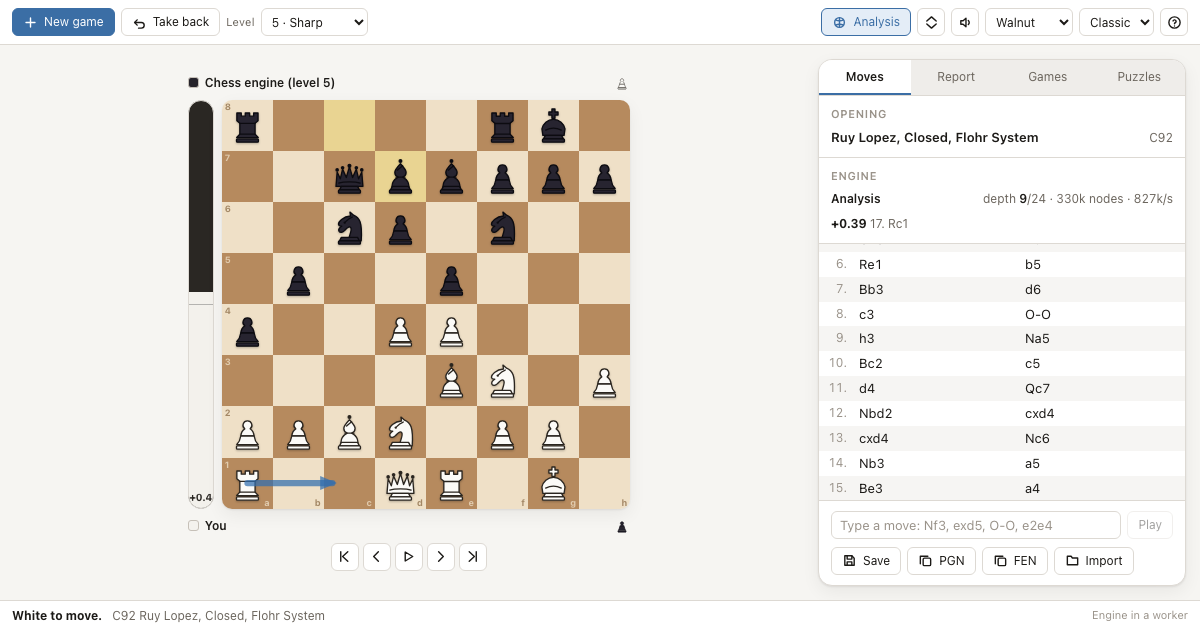
Chess
A complete chess app for NextOS with its own engine, opening book and game analysis - every rule, eight strengths, PGN files.
- recall.app
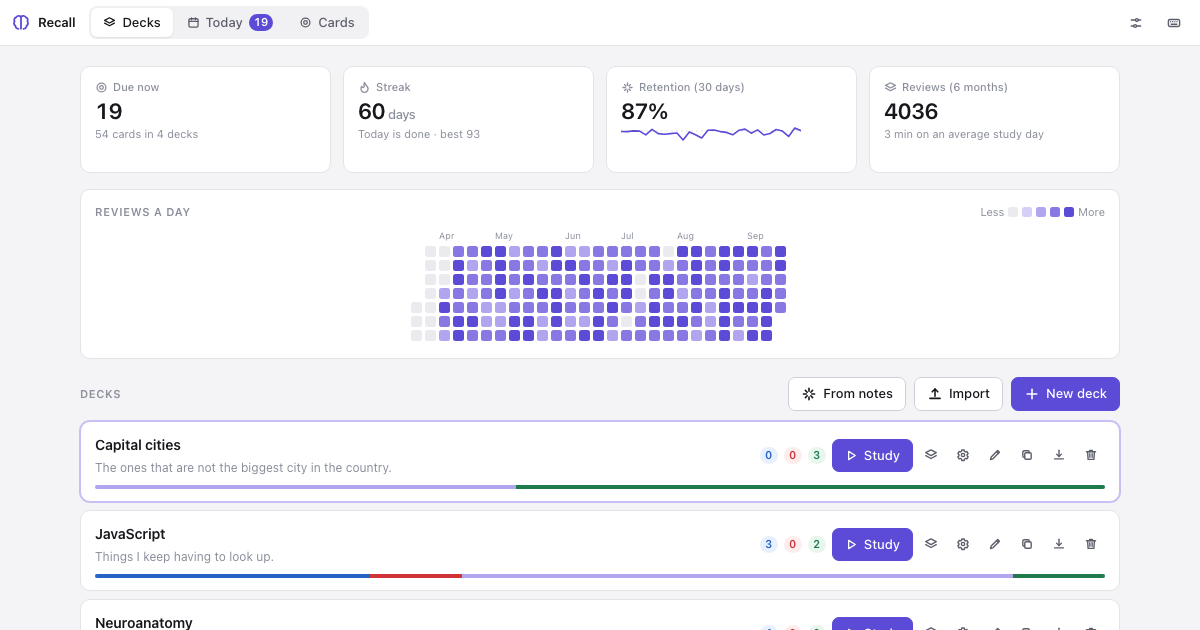
Recall
Spaced-repetition flashcards whose decks are plain Markdown files you can edit anywhere, with an Anki-style scheduler and tools an agent can call.
- sketch.app
Sketch
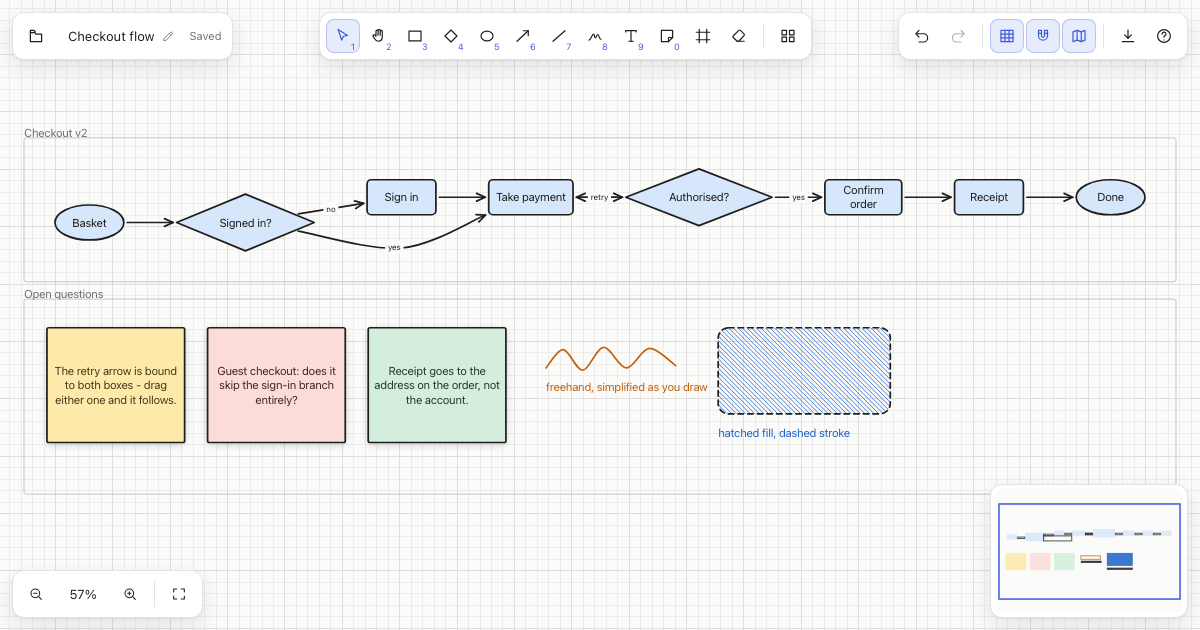
An infinite whiteboard for NextOS: shapes, arrows that stay attached when you move things, freehand, sticky notes, frames, and clean SVG export.