Community tools · App
Chess
by Kumin Consulting.
A complete chess app for NextOS with its own engine, opening book and game analysis - every rule, eight strengths, PGN files.
FunProductivitychessgameengineanalysispgnofflinekeyboard
01Get it
Install
in one step.
- In NextOS, open Settings > Apps > Sources.
- Add the source https://raw.githubusercontent.com/kumin-consulting/nextos-community-tools/main/catalog.json
- Open the App Store, find Chess, and install it.
- Approve the four permissions it asks for: read and write your home folder (for ~/Chess), storage, clipboard and intents.
- Version 1.0.0, MIT licence
- Published 2026-09-17, updated 2026-09-17
- Runs on Web
- Asks for fs:read:home, fs:write:home, storage, clipboard, intents
02Screenshots
03About
04Questions
- How strong is the engine?
- A strong club player. It searches to depth 11 from the starting position in two seconds on a laptop, at about 700,000 nodes a second, and finds every mate in one, two or three in its test suite instantly. It is single threaded, with a hand-written evaluation and no endgame tablebases - so it is not a modern top engine, and it does not pretend to be.
- Can a beginner beat it?
- Yes, at the lower levels. Levels 1 to 4 limit the search depth, add scaled randomness to the root scores, and at level 1 sometimes just play a random legal move. Level 1 is genuinely beatable by someone who has only just learnt how the pieces move; from level 5 up the randomness is gone.
- Are the rules complete?
- Yes, including the ones most hobby programs get wrong: castling through check, en passant into a discovered check, under-promotion, insufficient material by the actual rule (two knights against a lone king is NOT a draw), and the difference between a threefold repetition you may claim and a fivefold one that ends the game by itself. The move generator reproduces every published perft count for the standard test positions exactly, and those counts are in the test suite.
- Does it need the internet?
- No. The engine, the opening book and the analysis all run inside your browser, and the app asks for no network permission at all. Games are files in your own home folder.
- Does the board freeze while the engine thinks?
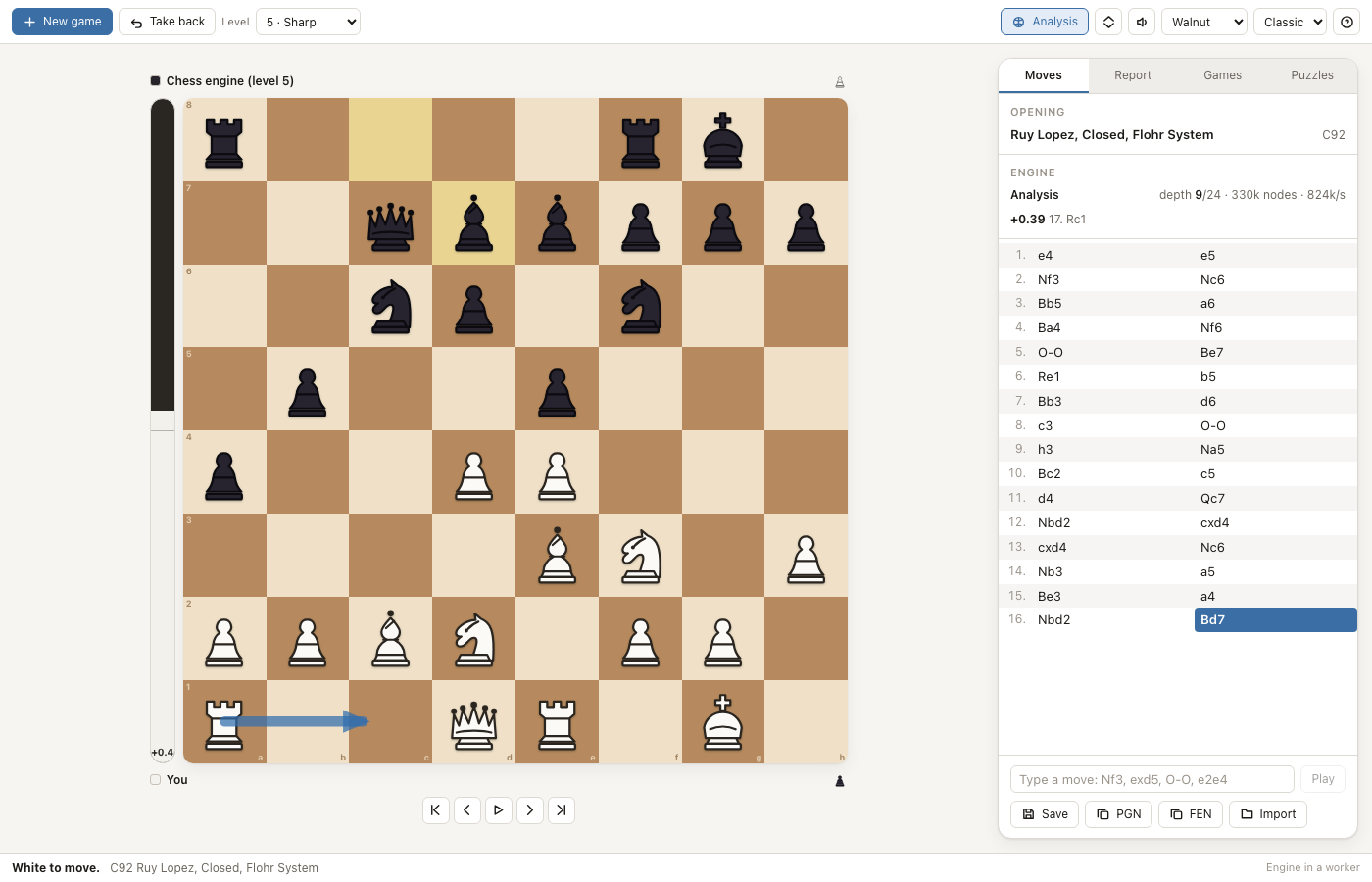
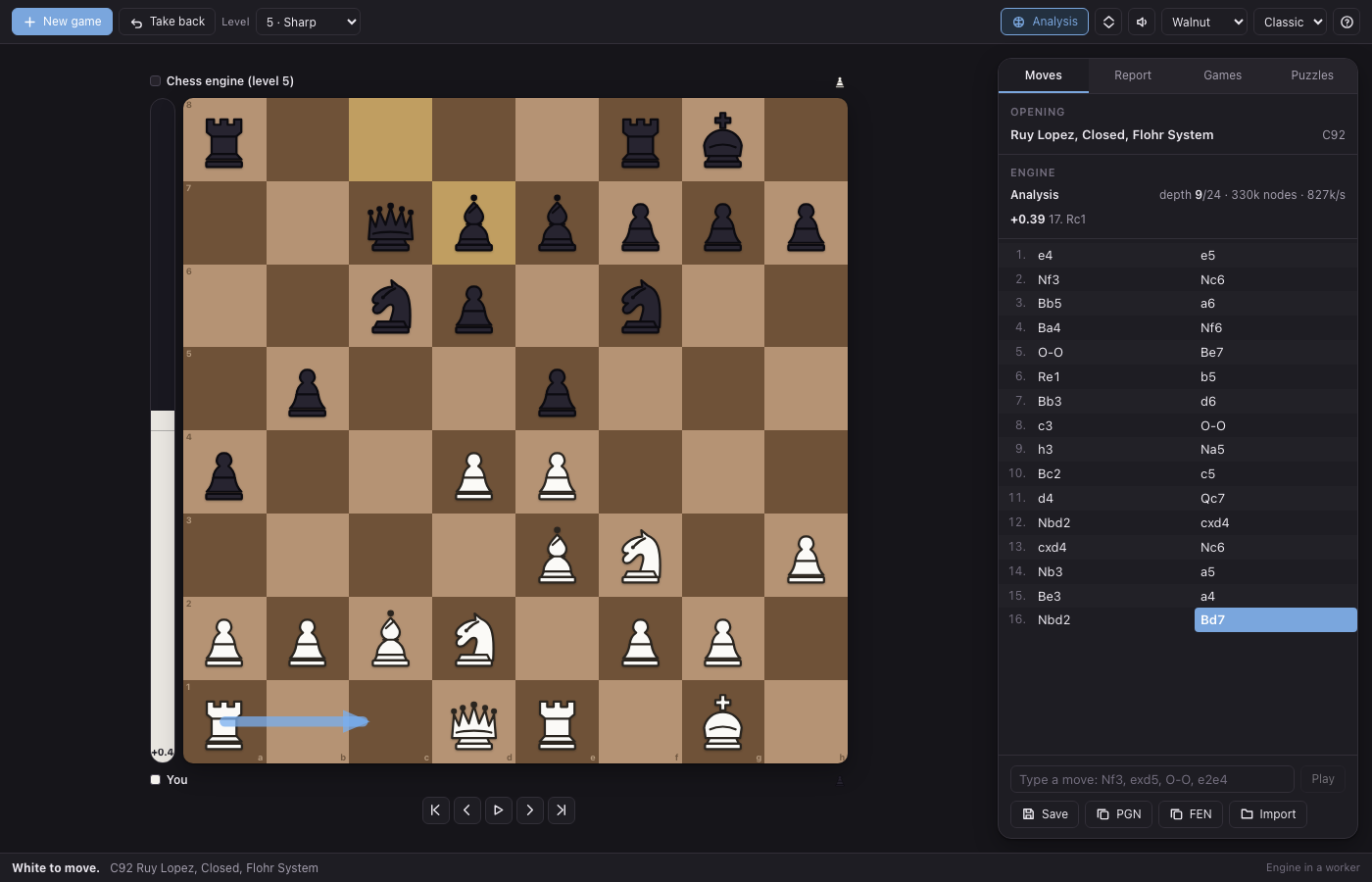
- No. The search runs in a Web Worker built from the app's own compiled bundle, so the window stays at sixty frames a second and the depth, node count and rate are shown while it works. If a Web Worker cannot be created, the same search runs on the main thread one depth at a time, yielding between them - slower, but never frozen.
- What does the analysis actually tell me?
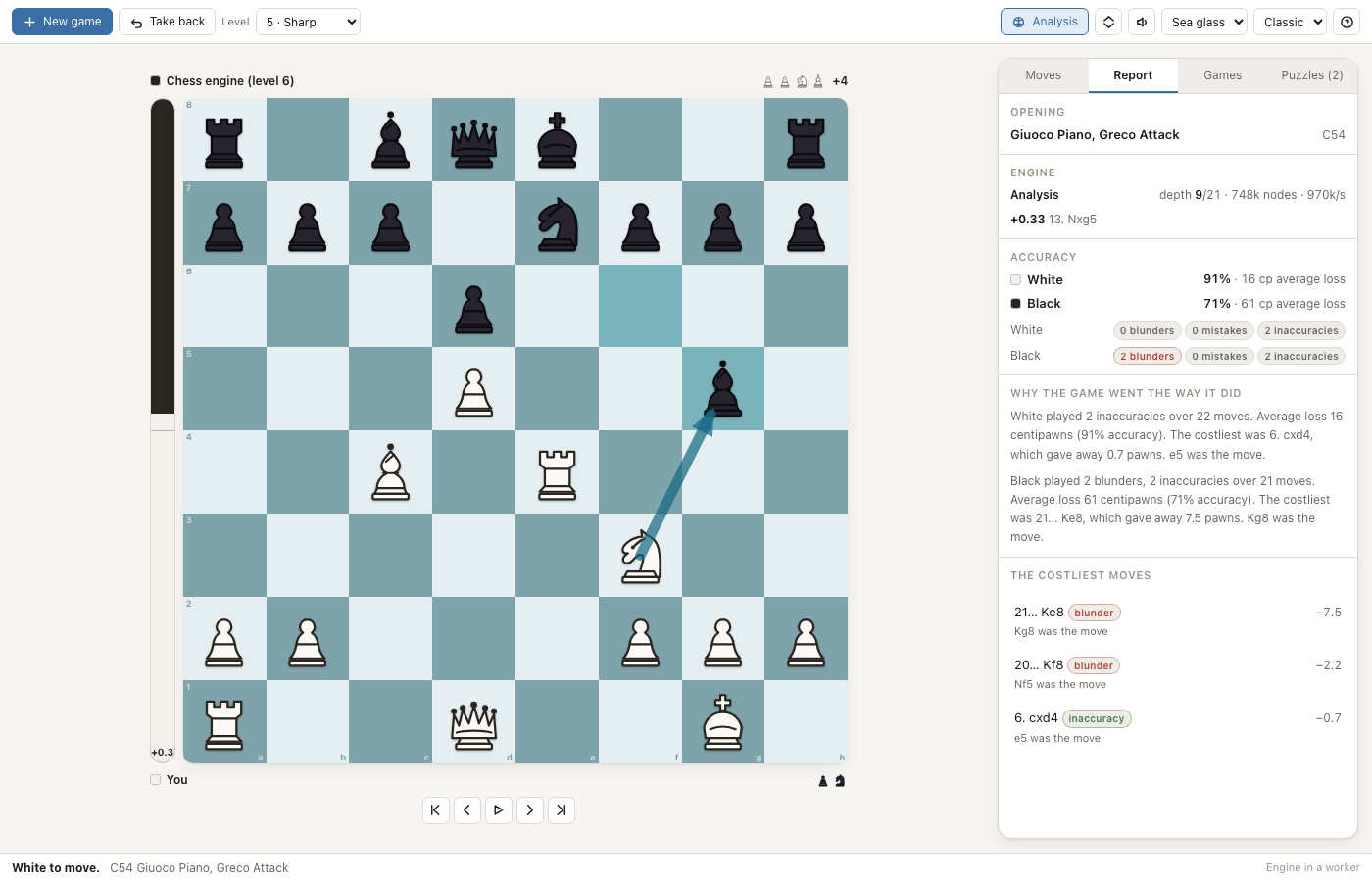
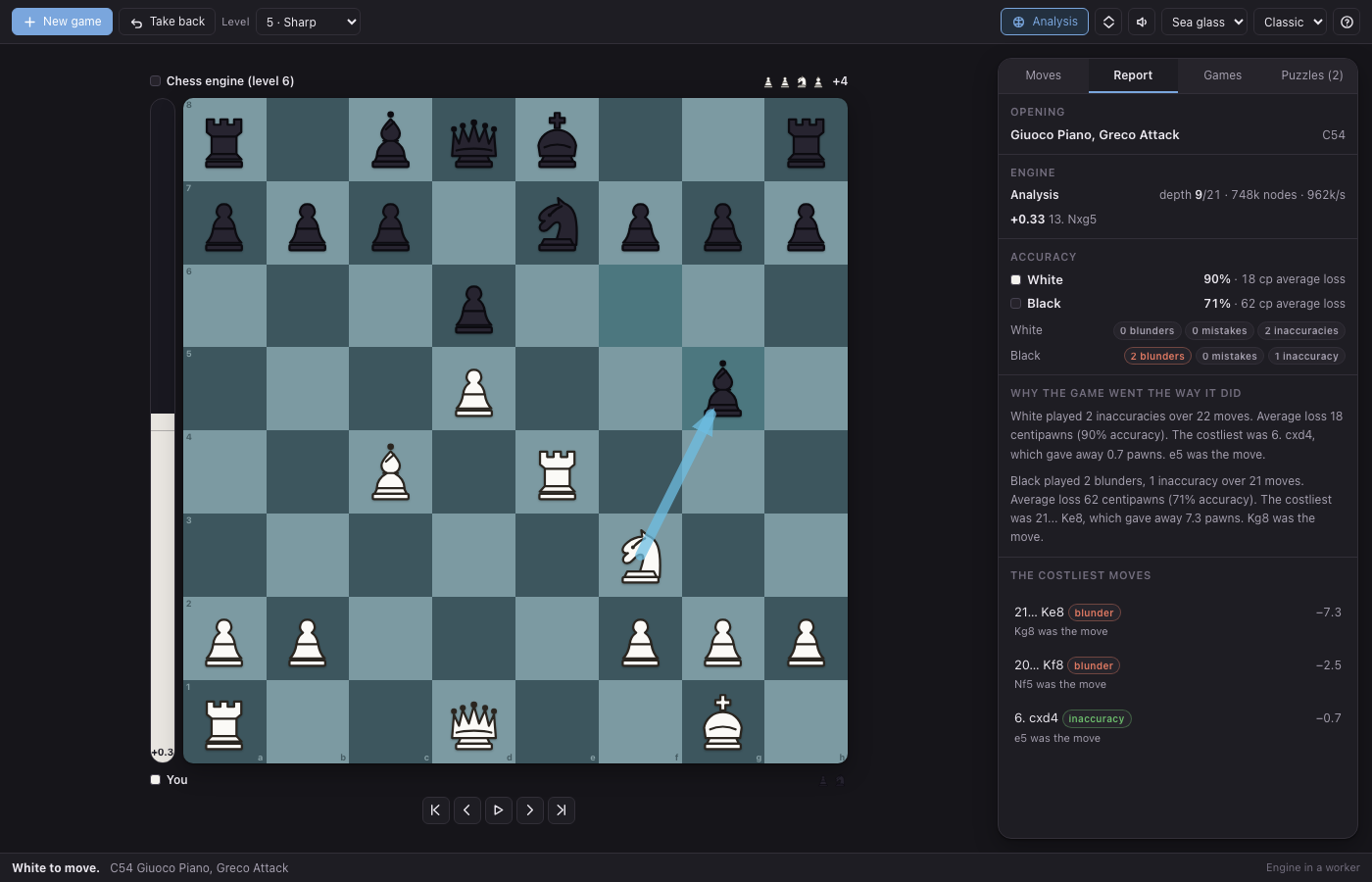
- It replays the game through the engine and marks every move that lost half a pawn, a pawn or two pawns of evaluation as an inaccuracy, a mistake or a blunder; it gives each side an average centipawn loss and an accuracy percentage, names the three costliest moves, and writes a short paragraph in plain words. The positions where you missed something worth two pawns become puzzles you can try again.
- Where are my games kept?
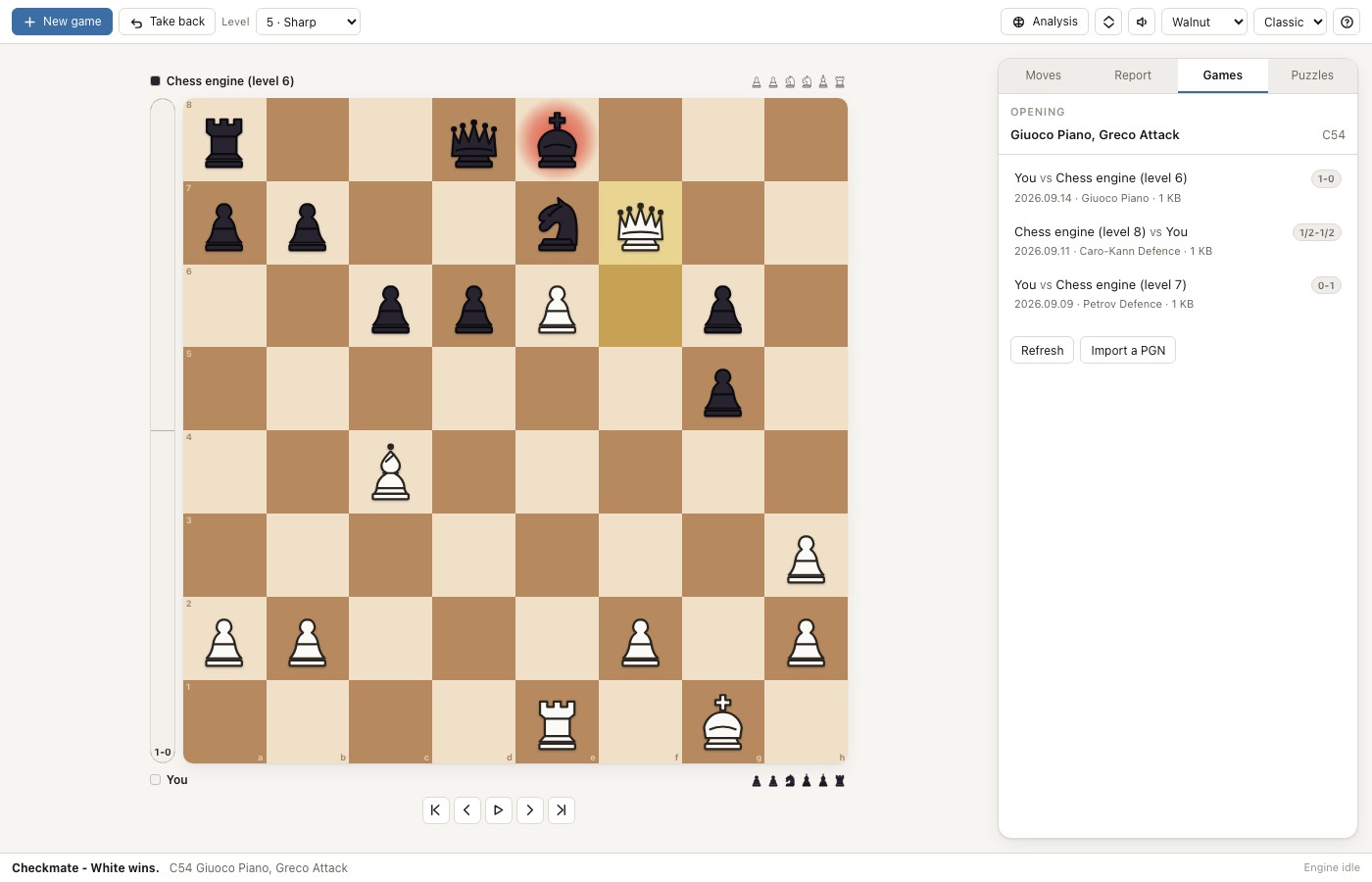
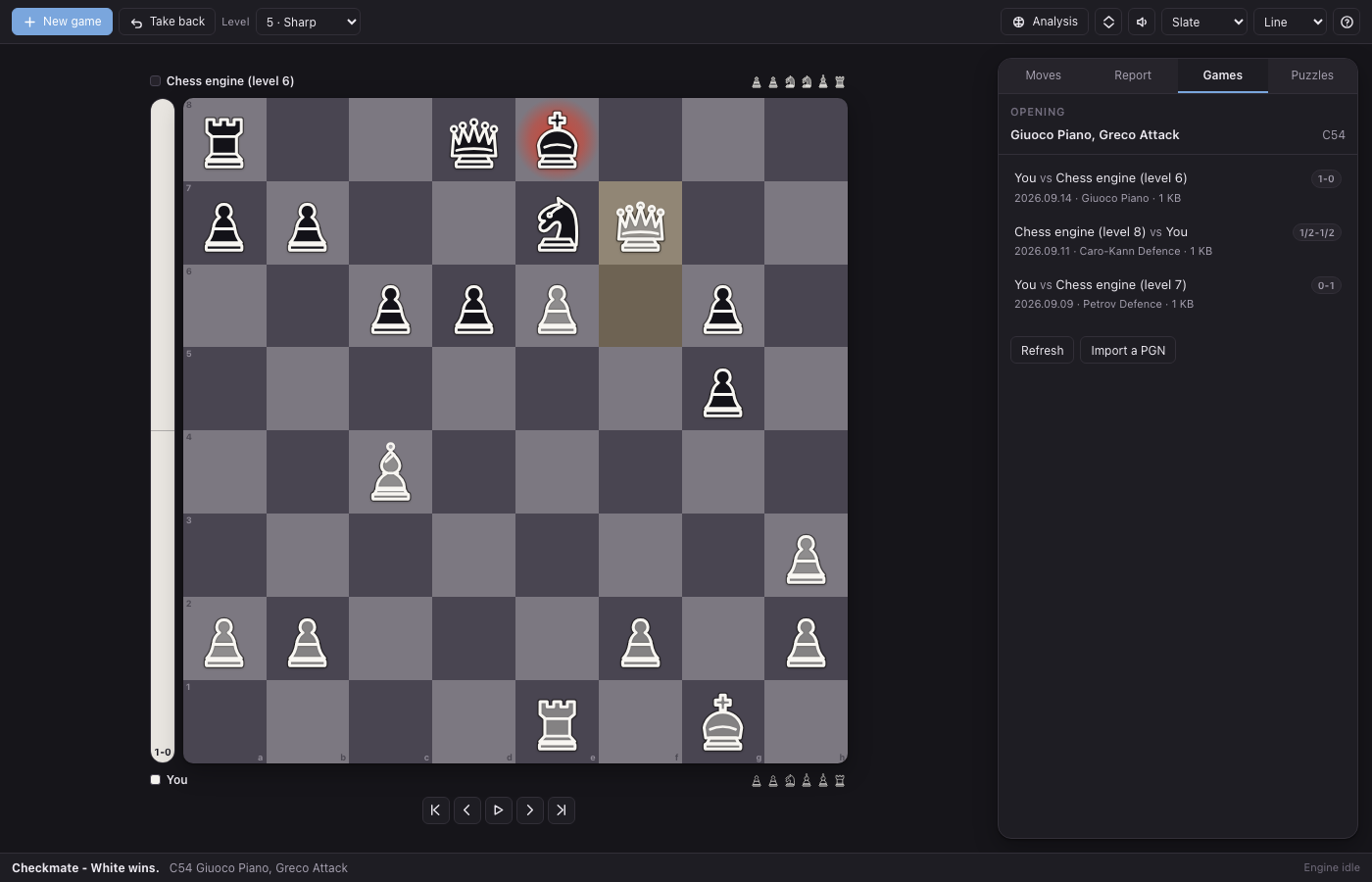
- As ordinary PGN files in ~/Chess/games, one game per file, named by date and players. Any other chess program can open them. The game in progress is written to ~/Chess/current.pgn after every move, so it comes back when you reopen the app.
- Can an agent play for me?
- Yes. The app exports six tools - chess_new_game, chess_play_move, chess_position, chess_analyze, chess_list_games and chess_import_pgn - and they act on the same game the window shows, whether or not the window is open. Ask your assistant to open the Sicilian and it will.
- Can I play someone else on the same screen?
- Yes - choose "Two people, one board" when starting a game. You can also set the engine against itself and watch, at any strength, with or without clocks.
05Related
- Sketch
An infinite whiteboard for NextOS: shapes, arrows that stay attached when you move things, freehand, sticky notes, frames, and clean SVG export.
- Recall
Spaced-repetition flashcards whose decks are plain Markdown files you can edit anywhere, with an Anki-style scheduler and tools an agent can call.
Listed by Kumin Consulting. Report a problem · Edit this listing · keywords: chess app, browser chess engine, chess analysis, pgn, opening book, chess puzzles, nextos, offline chess