Community tools · App
Sketch
by Kumin Consulting.
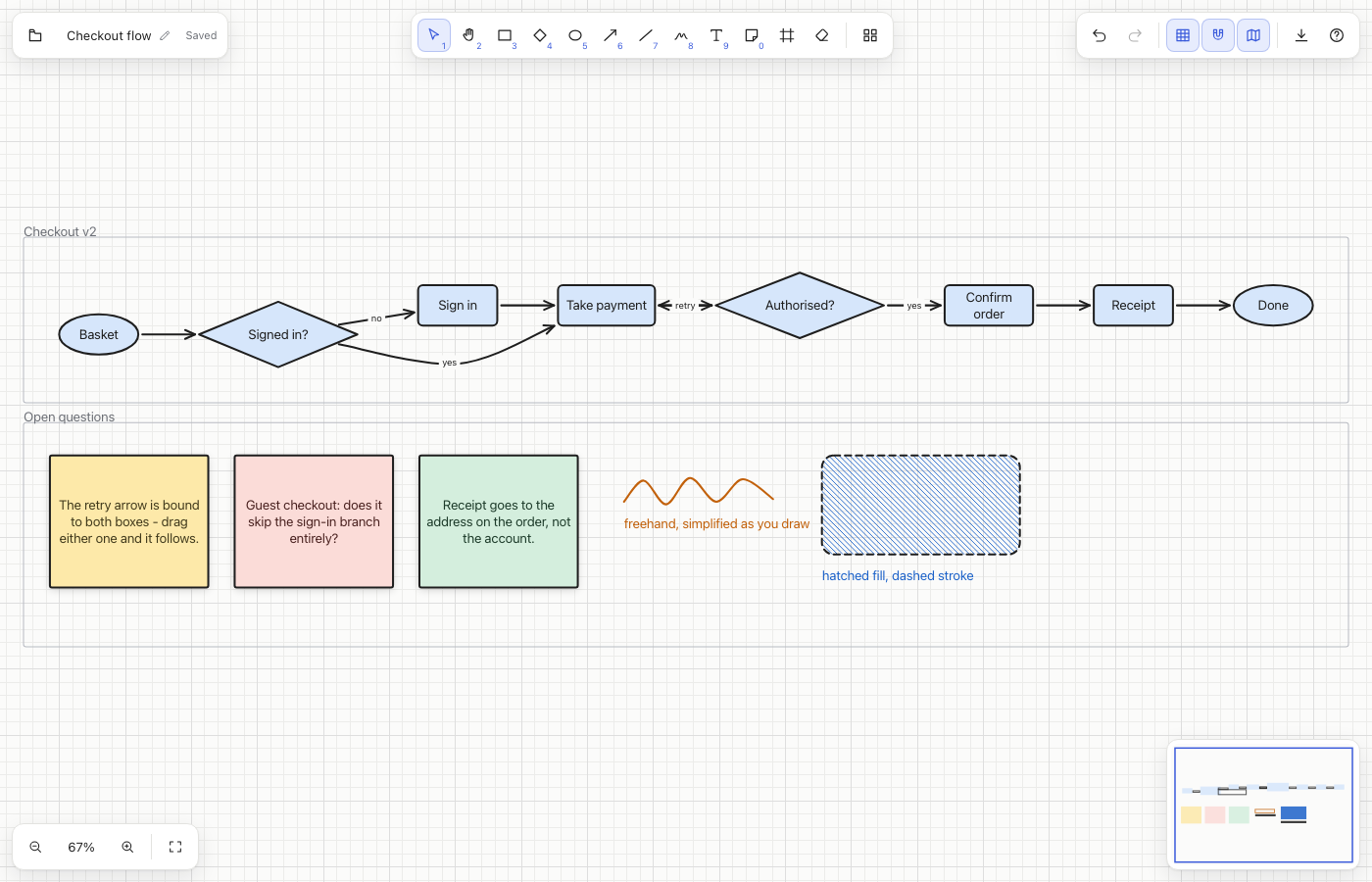
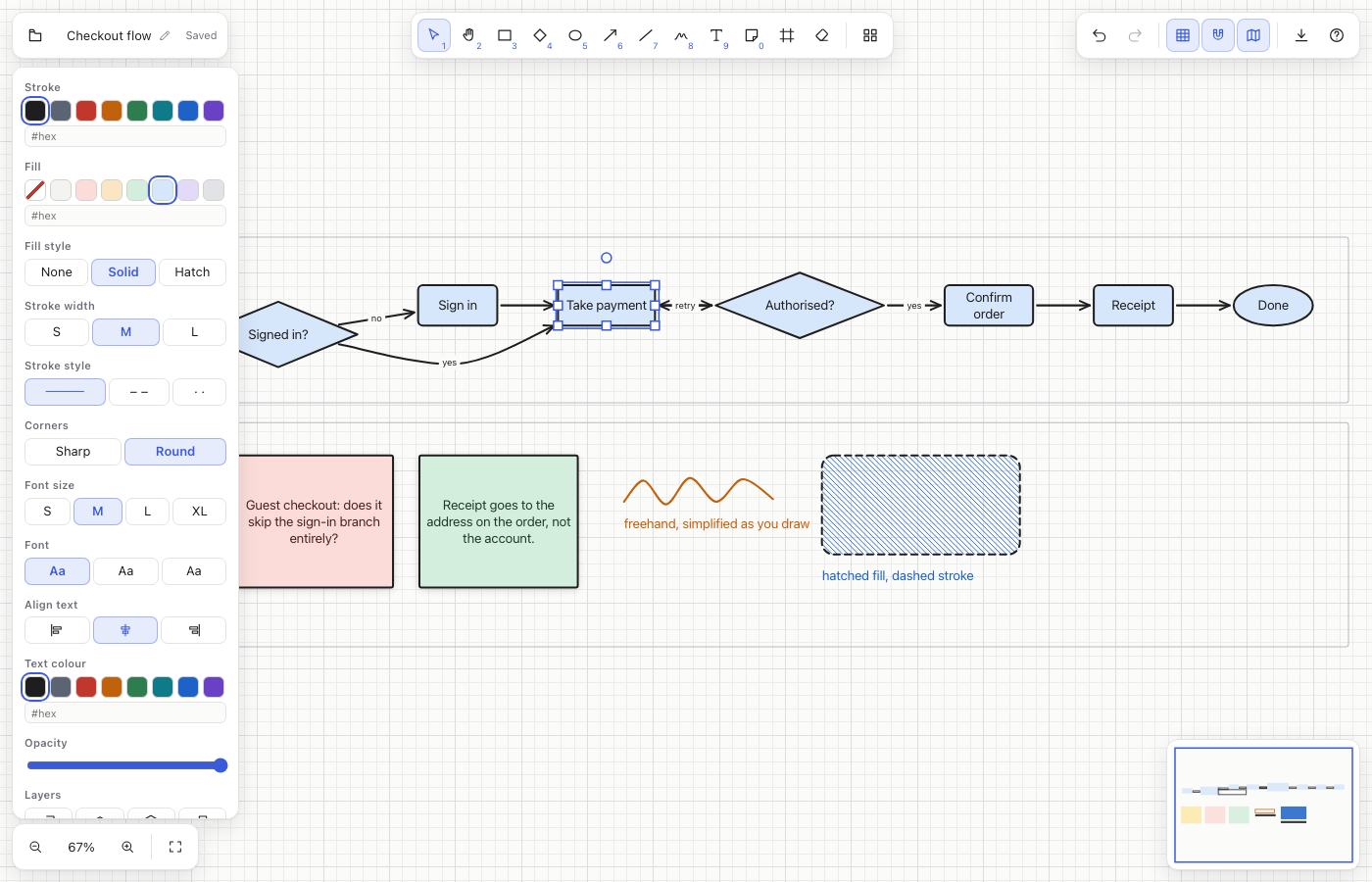
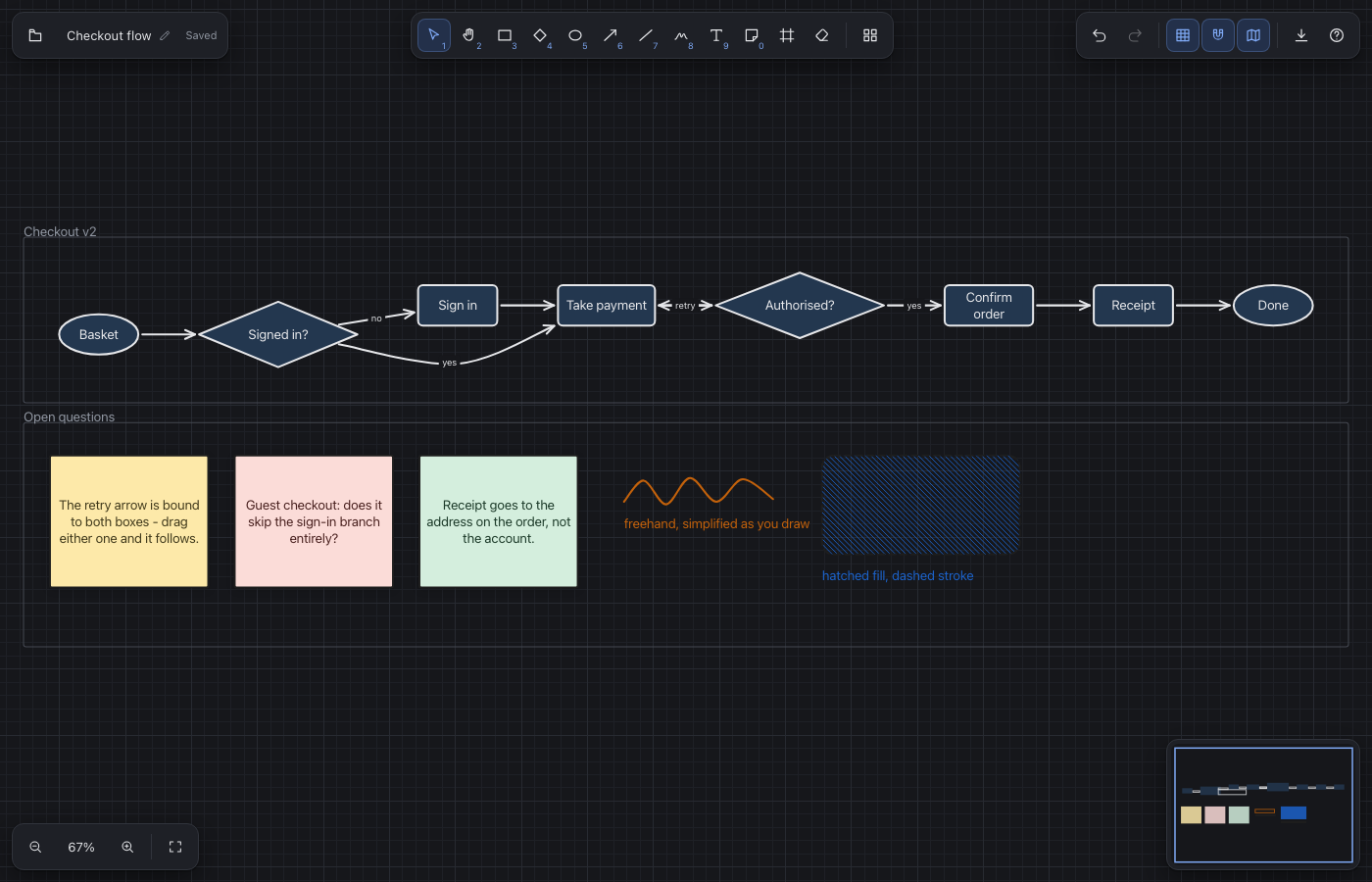
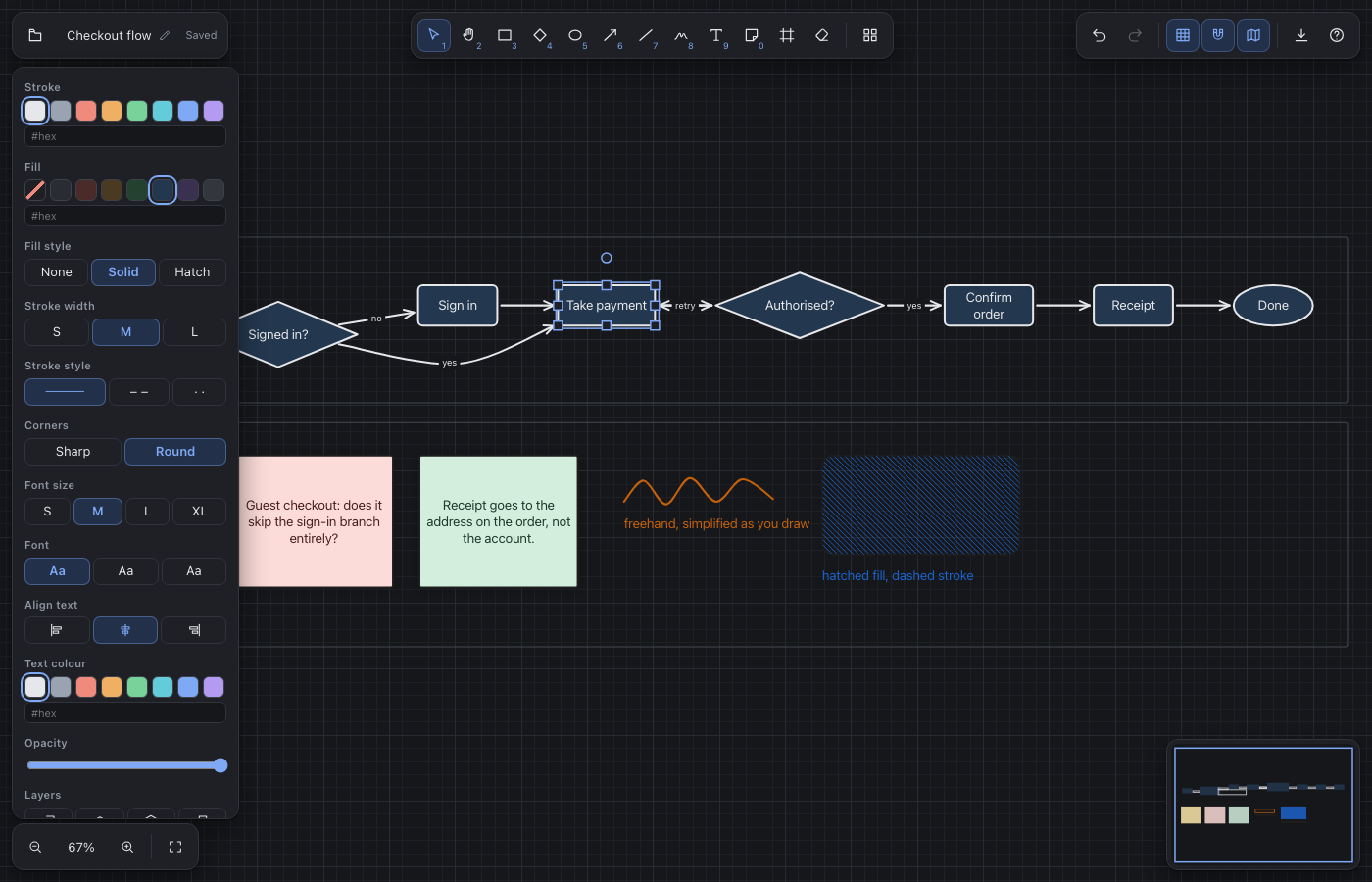
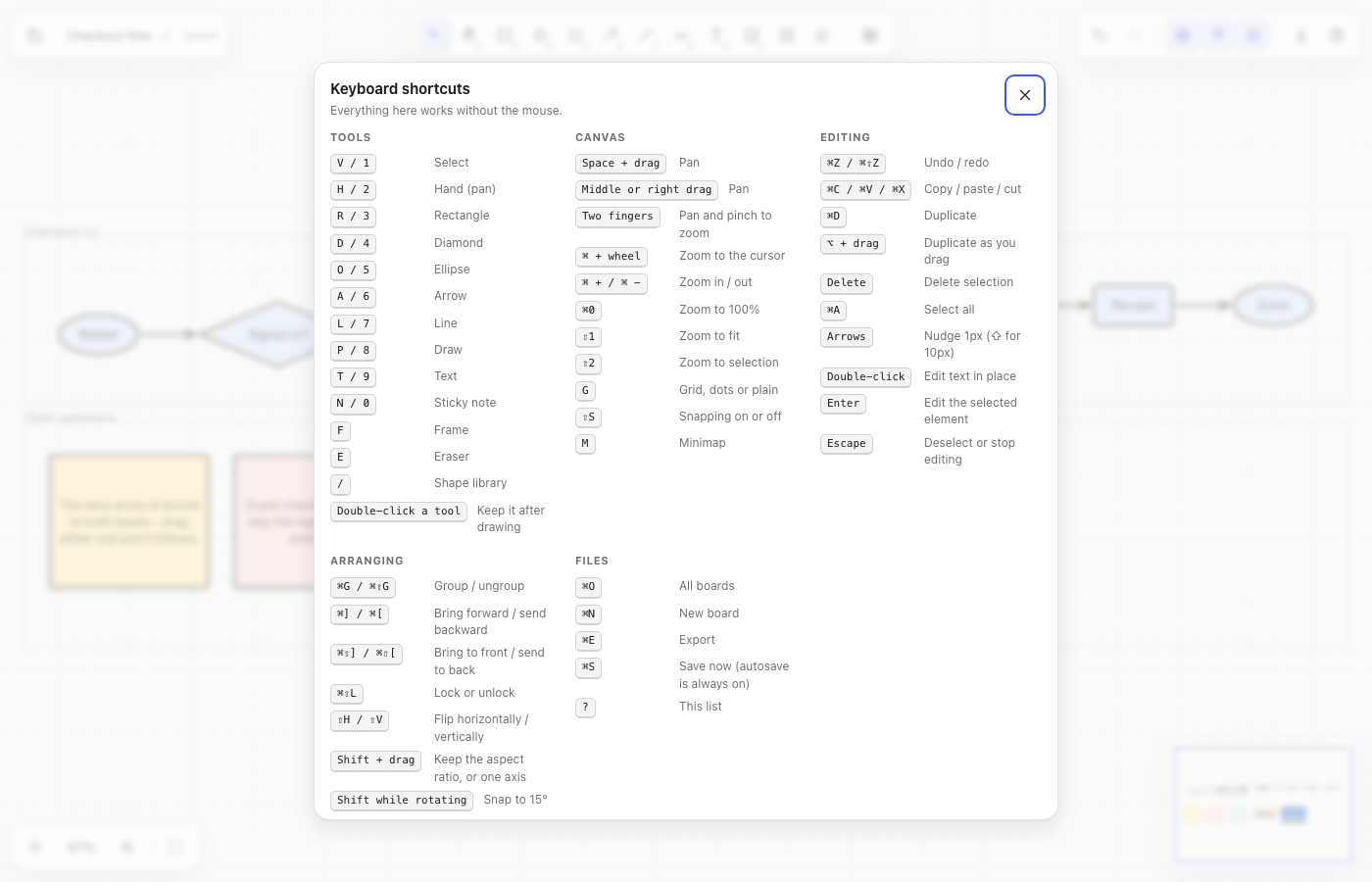
An infinite whiteboard for NextOS: shapes, arrows that stay attached when you move things, freehand, sticky notes, frames, and clean SVG export.
ProductivityMediawhiteboarddiagramscanvasdrawingflowchartsvgexcalidrawmind-map
01Get it
Install
in one step.
- In NextOS, open Settings > Apps > Sources and add https://raw.githubusercontent.com/kumin-consulting/nextos-community-tools/main/catalog.json
- Open the App Store, find Sketch in the community catalogue and press Install.
- Approve the permissions it asks for: your home folder (it keeps boards in ~/Sketches), settings storage, the clipboard and intents.
- Open Sketch from the launcher, or send it a kumin://sketch/open?file=<board name> intent from another app.
- Version 1.0.0, MIT licence
- Published 2026-09-17, updated 2026-09-17
- Needs App Store with native apps
- Runs on Web
- Asks for fs:read:home, fs:write:home, storage, clipboard, intents
02Screenshots
03About
04Questions
- Where are my boards kept?
- Each board is one JSON file in your Sketches folder, named after the board: <home>/Sketches/<name>.sketch.json. It is plain, readable JSON with a schema version, the elements and the last view - so you can copy it, diff it, or open it with anything else. Sketch autosaves as you draw and flushes when the window loses focus.
- Does an arrow stay attached to a shape?
- Yes. Draw an arrow that starts or ends on a shape and it binds to it: move, resize or rotate the shape and the arrow re-aims itself at the shape's edge, keeping the gap you gave it. A label typed onto an arrow rides its midpoint.
- What can an assistant do with it?
- Five tools: sketch_list_documents, sketch_create_diagram (describe a graph of nodes and edges and Sketch lays it out in layers, draws it and opens it), sketch_add_elements, sketch_export_svg and sketch_describe, which reads a board back in plain words so an assistant can talk about a diagram it cannot see.
- Is the SVG export a real SVG?
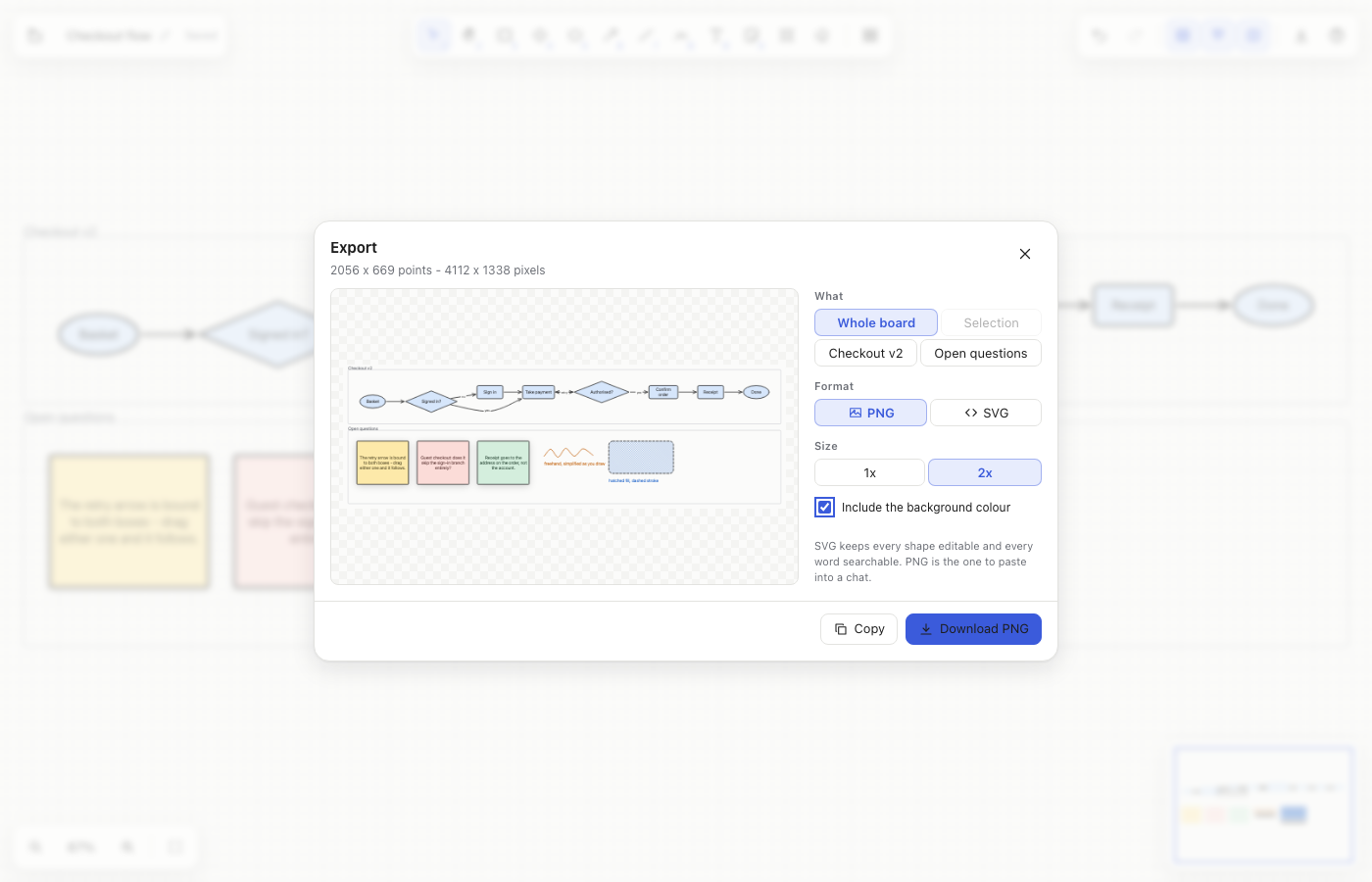
- Yes - a rectangle leaves as <rect>, an ellipse as <ellipse>, a diamond as <polygon>, and text as <text> with one <tspan> per line. It opens in Figma, Illustrator or Inkscape as editable objects, and the words stay selectable and searchable.
- How big a board can it handle?
- The canvas culls to the visible rectangle and redraws only when something changed, which holds 60 fps while panning a board of a couple of thousand elements on a laptop. Freehand strokes are simplified as you draw, so pen input does not bloat the file.
- What happens if a file gets corrupted?
- Sketch tells you what is wrong with it and offers to start a fresh copy; it never writes over the file it could not read, and never shows a blank window. Elements it cannot read inside an otherwise valid file are dropped and counted, so one bad shape cannot cost you the board.
- Does it need the network?
- No. Sketch asks for your home folder, local settings storage, the clipboard and intents - nothing else. It has no network permission at all, and nothing you draw leaves your browser.
05Related
Listed by Kumin Consulting. Report a problem · Edit this listing · keywords: nextos whiteboard, infinite canvas app, excalidraw alternative, diagram tool, flowchart maker, svg export, sticky notes, drawing app