➜ NextOS — 44 apps · 399 agent tools · 5 model providers — ready.
An operating system
in a browser tab.
Your files, your apps, your agents, on every device. A real workstation, 44 built-in apps across 8 categories, and AI agents that operate every one of them under your approval, synced to your own Google Drive and running the moment you open the tab.
- built-in apps
- 44
- agent tools
- 399
- language runtimes
- 6
- model providers
- 5
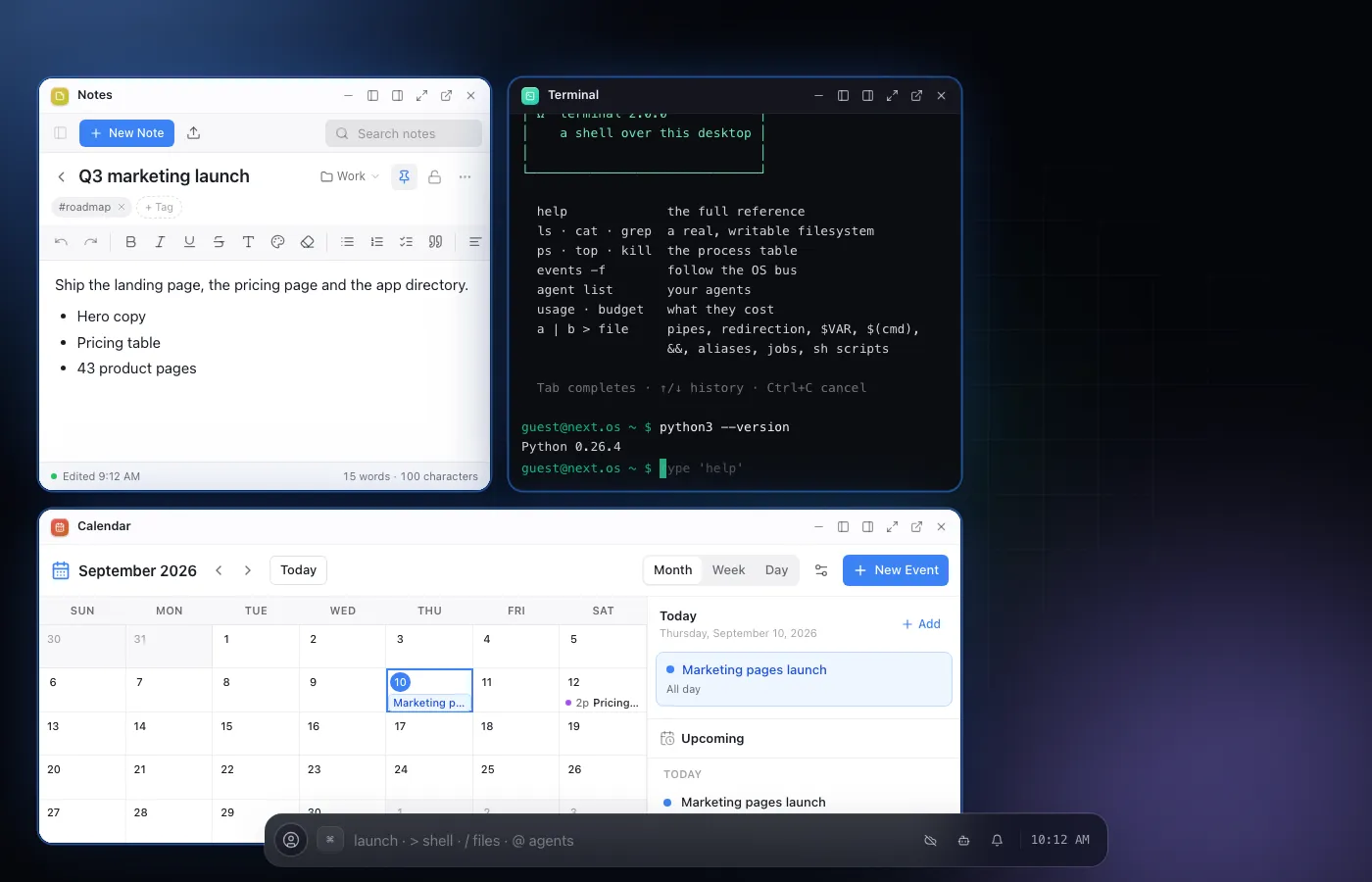
the Field shell: cells snap and tile, the strip at the bottom launches, finds, runs, and talks to the assistant
01The workstation
Real tools,
not a demo of them.
Everything below runs in your browser, on your own files. Nothing here is a screenshot of something that lives somewhere else.
A real workstation
A Terminal with a real shell, CPython, Node.js, Ruby, PHP, Lua and SQLite behind a pty, and a VS Code workbench that runs actual extensions. Files live in a Unix-style filesystem with permissions, symlinks and file descriptors, not a mock.
python · node · ruby · php · lua · sqlite3 · vscode + .vsix
Agents that operate every app
Agents call the same tools the UI does, across every built-in app, and stop for your approval before anything consequential happens. Bring your own key for any of five providers, including local models through Ollama.
399 tools · 5 providers · approval on every irreversible step
It keeps working when you leave
Google Drive keeps your files current on every device, live. Schedules and automation pipelines run on the server while the tab is closed, and Web Push tells you when something needs you.
live sync · background runner · push · cross-tab and cross-device continuity
02What you get
44 apps, built in.
Every one a tool for your agents.
See all 44 apps- terminal.app
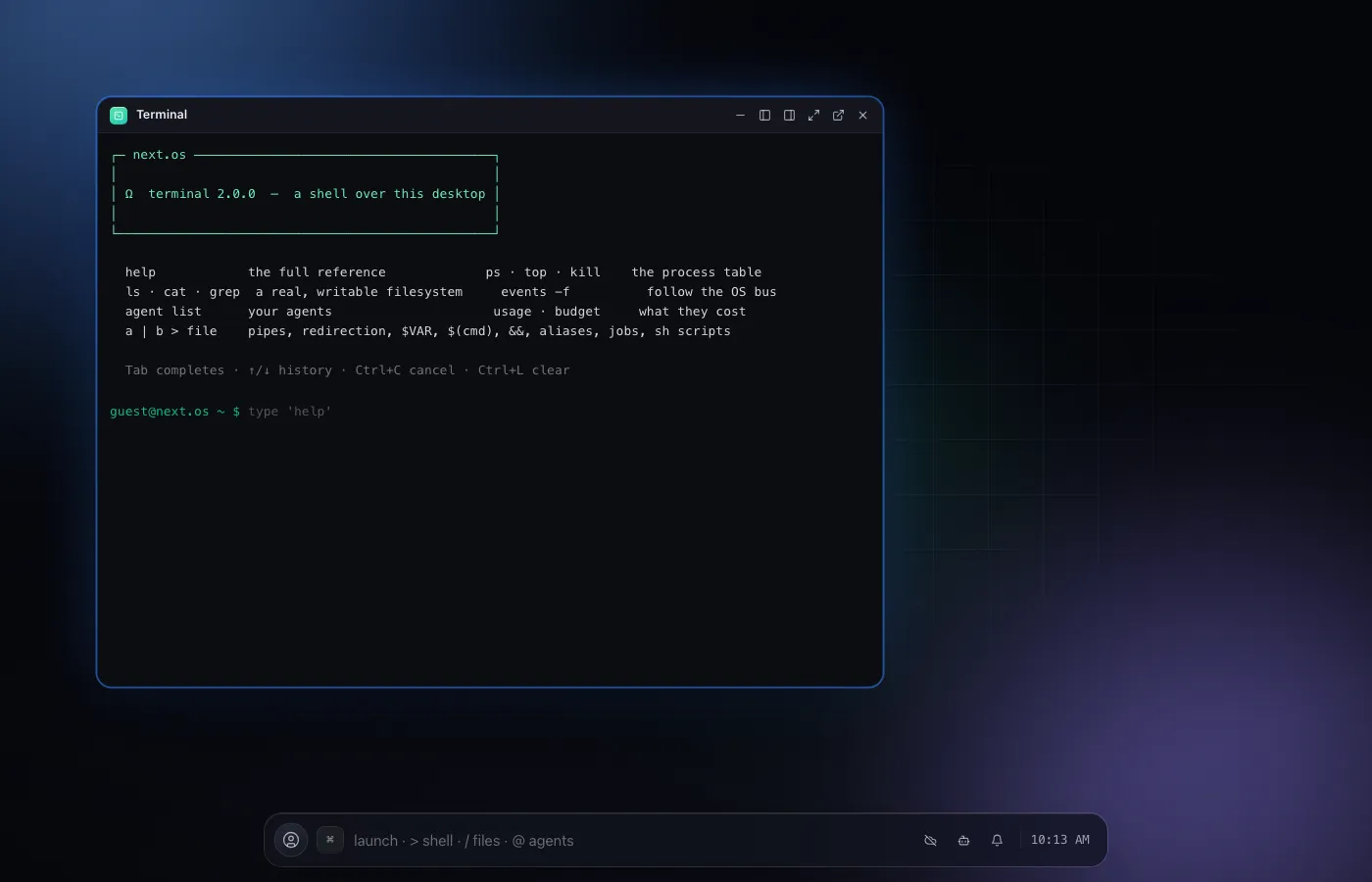
Terminal
A real shell over the desktop, with real Node.js and Python behind it.
- vscode.app
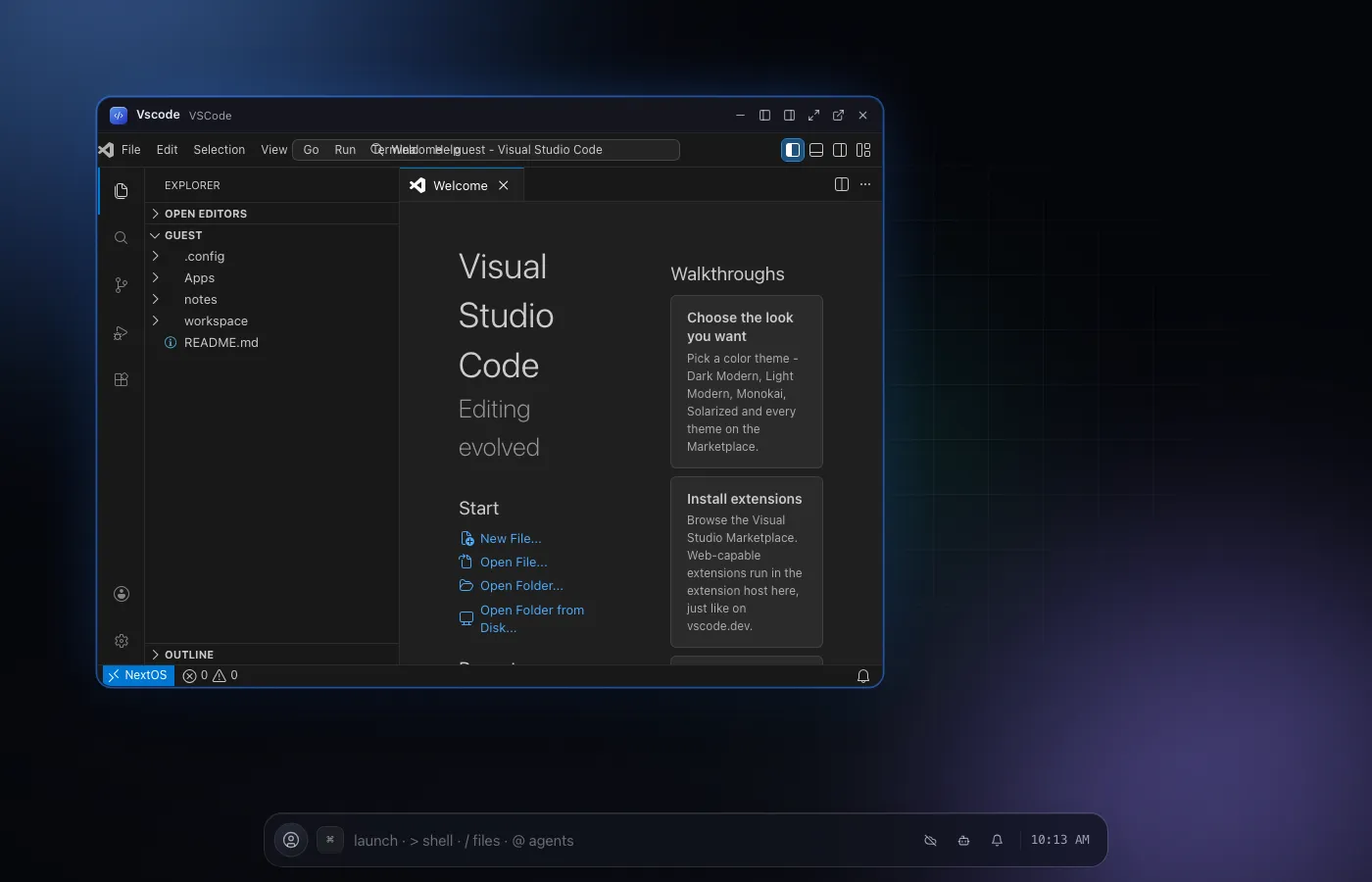
VSCode
A real VS Code workbench, with real extensions, in your browser.
- agents.app
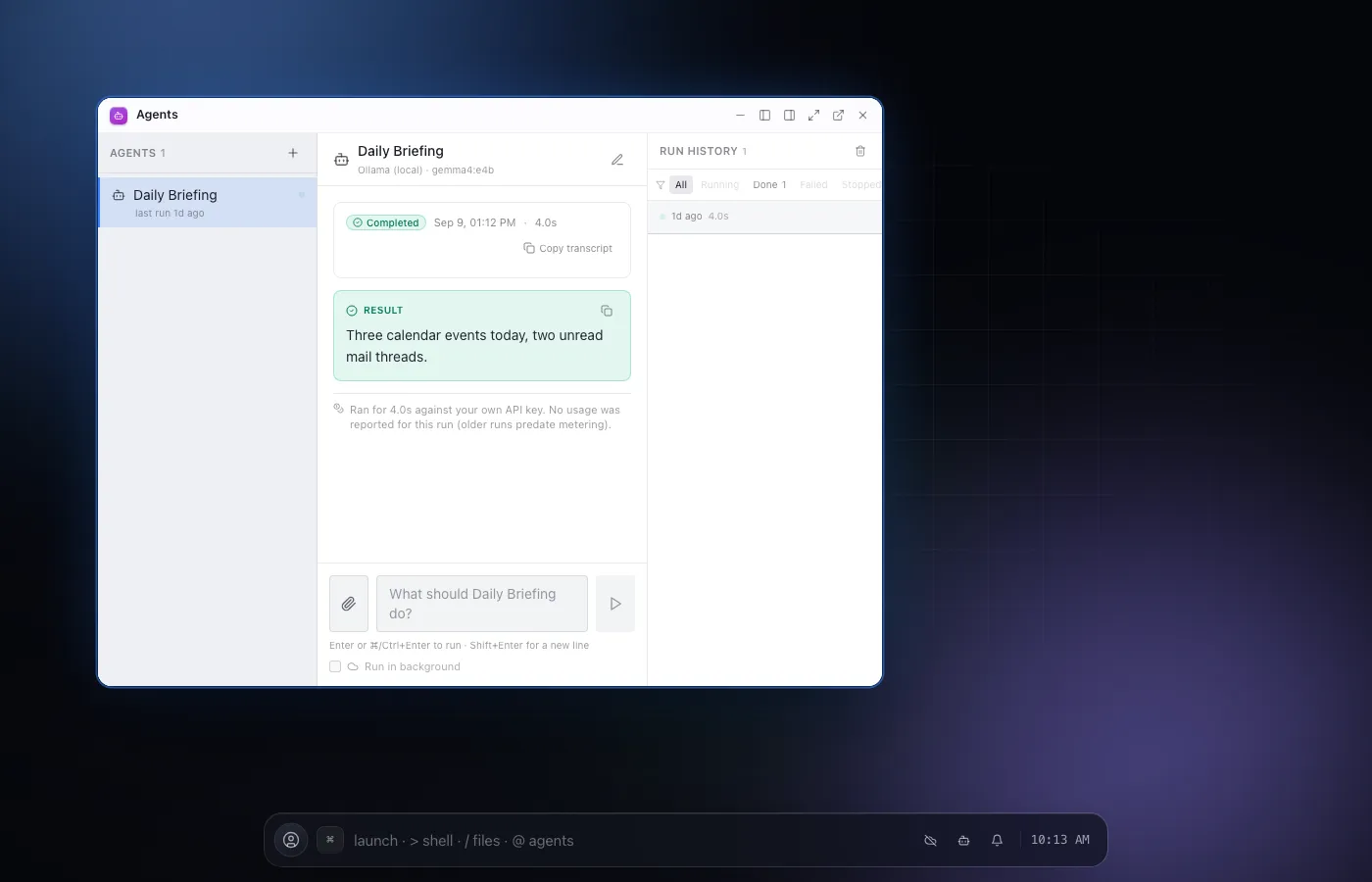
Agents
Configure autonomous agents that use your other apps as real tools.
- notes.app
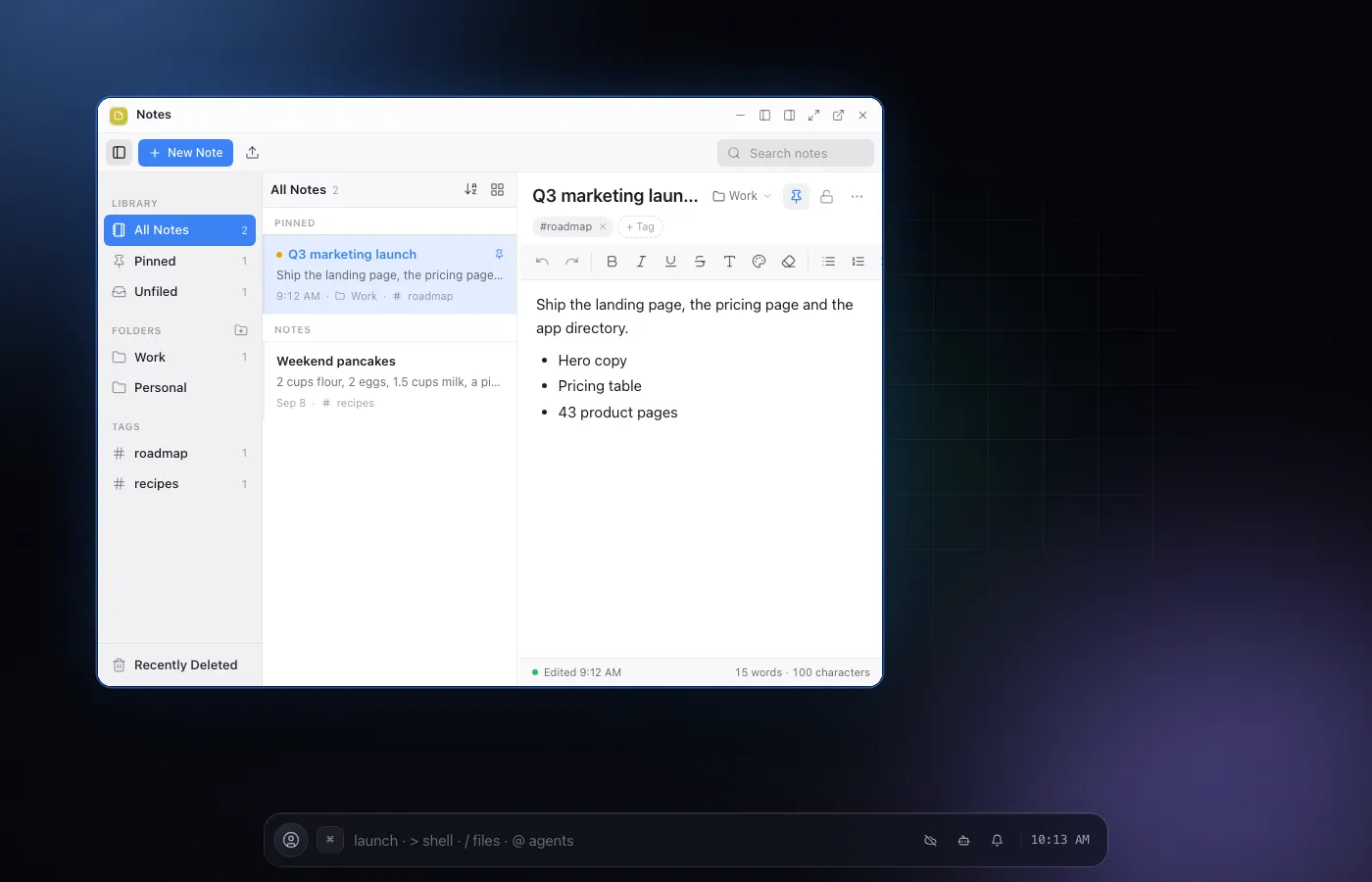
Notes
A three column note library that saves itself as you type.
- automations.app
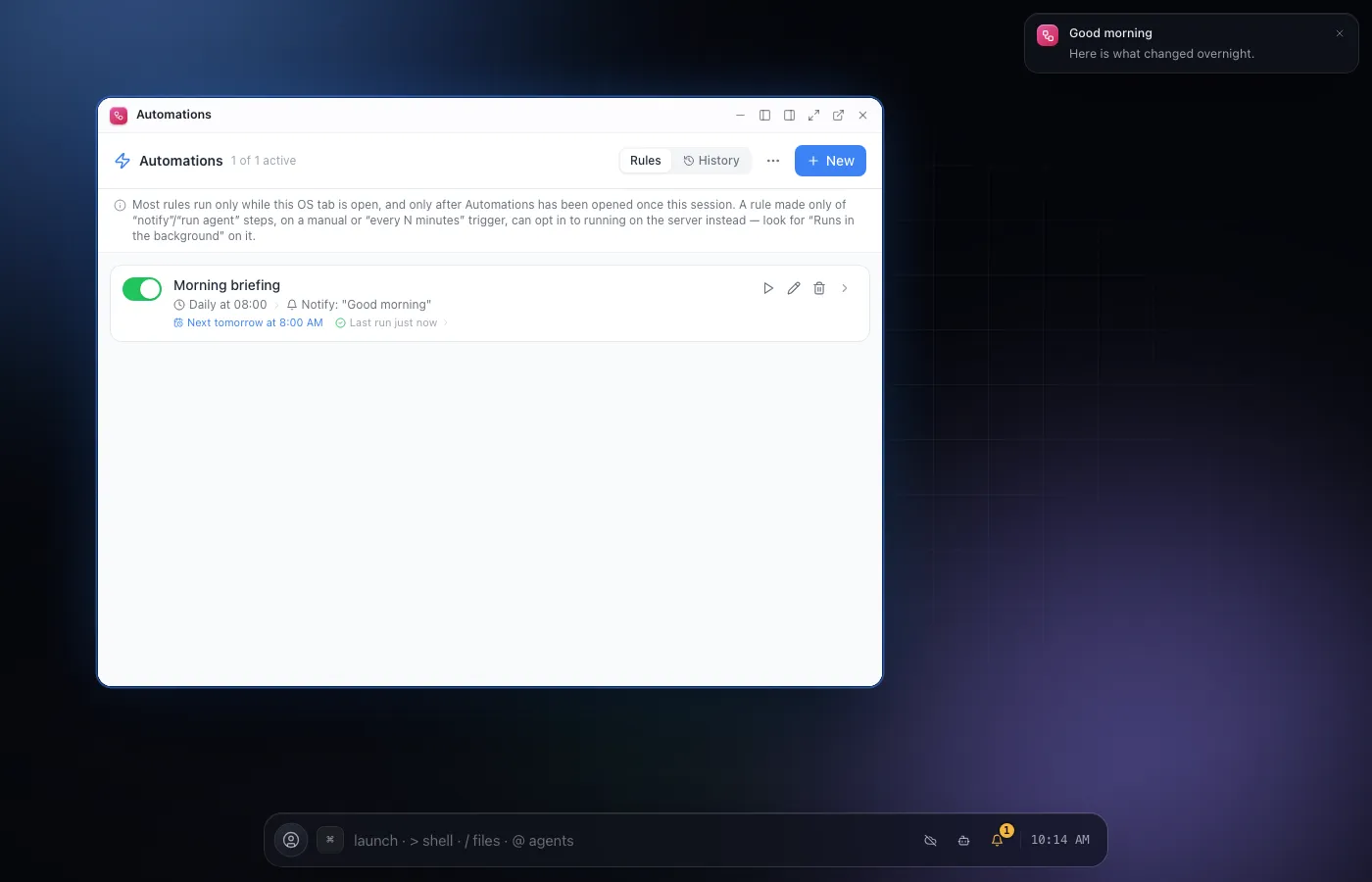
Automations
Trigger to action rules that notify you, open apps or run an agent.
- spreadsheet.app
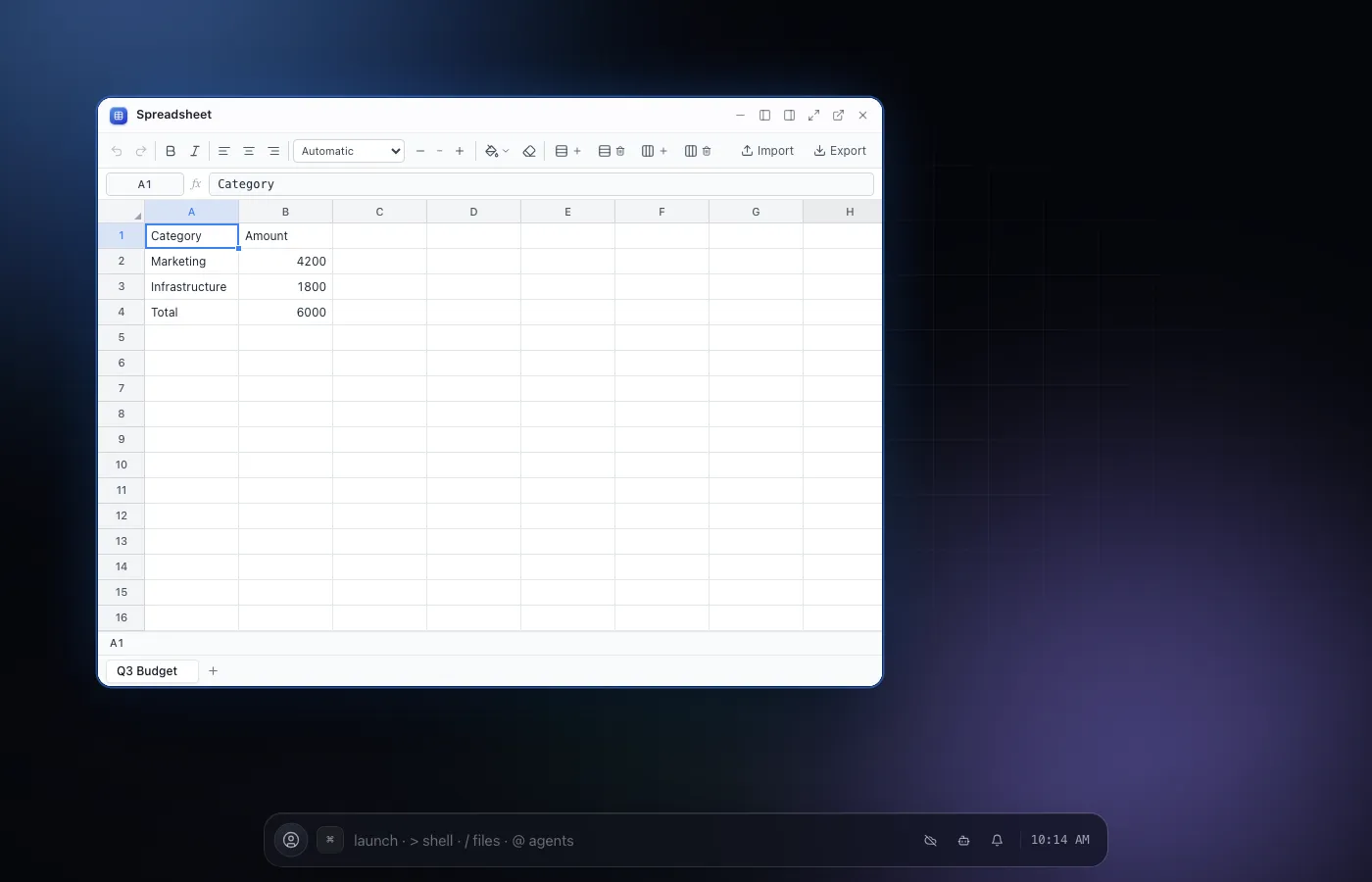
Spreadsheet
A real spreadsheet, with a hand-written formula engine.
- kanban.app
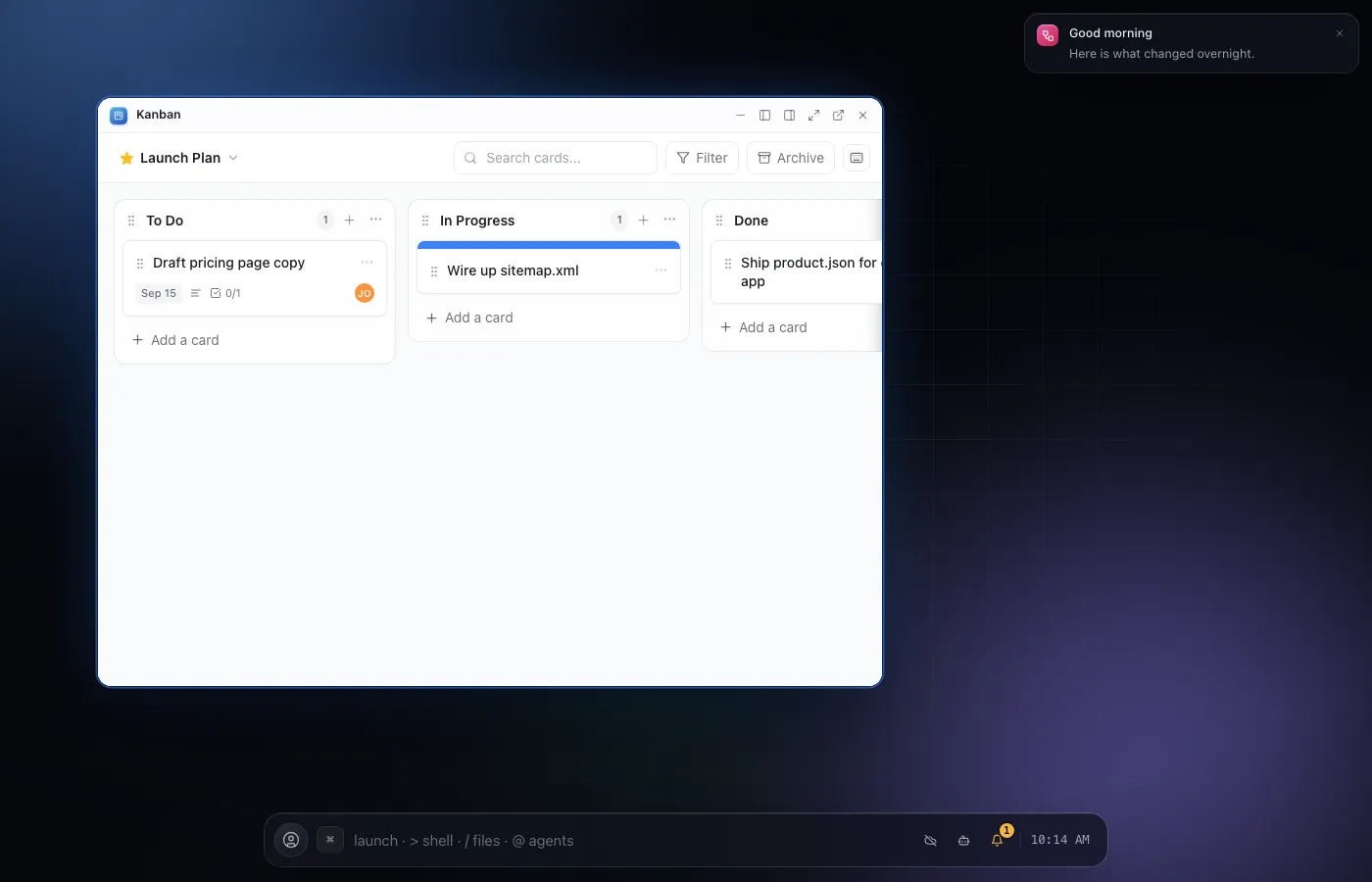
Kanban
Trello style boards with drag and drop, mouse or touch.
- mail.app
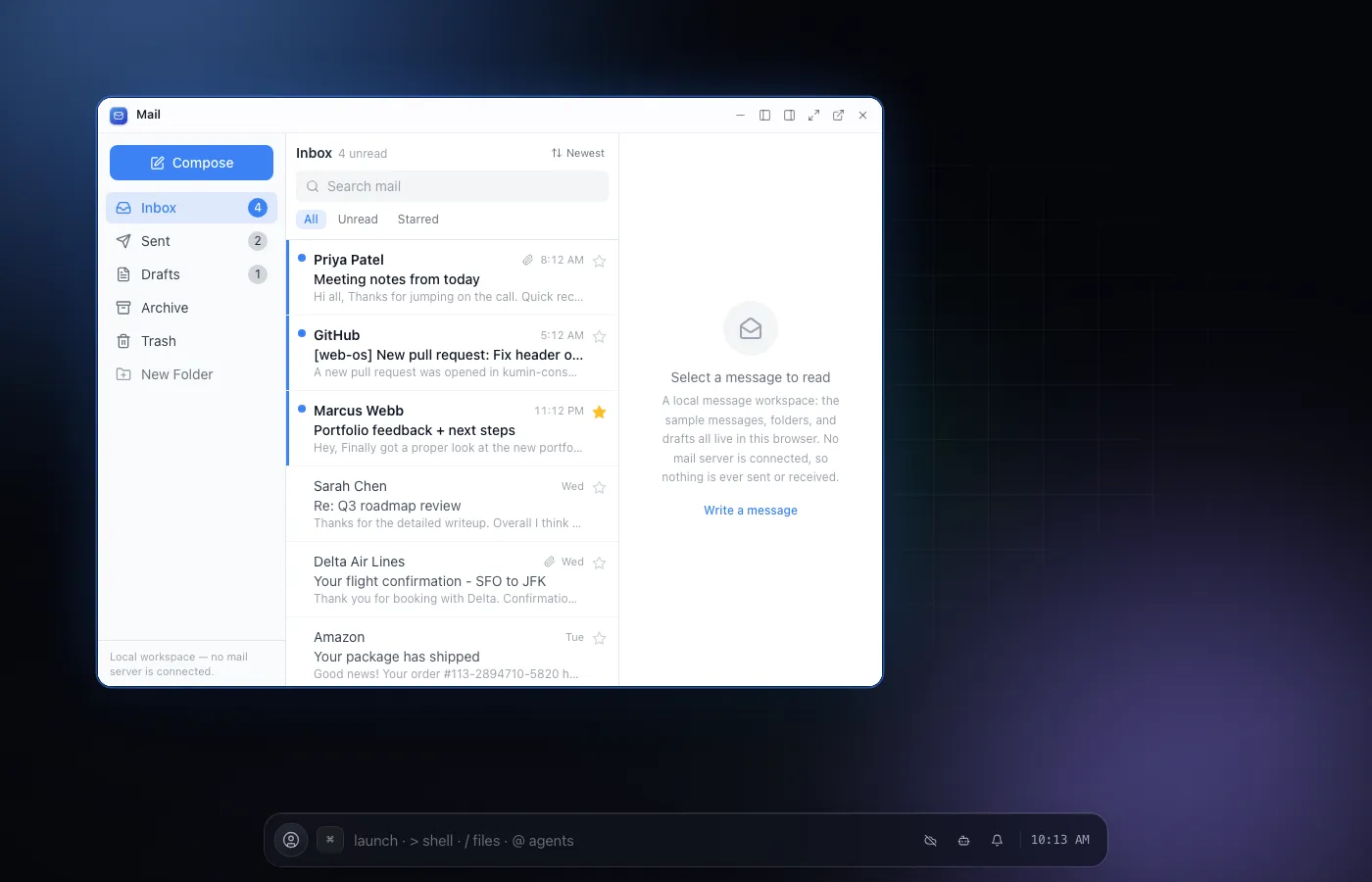
Mail
A three pane mail client for reading, composing and organizing, honestly local.
- browser.app
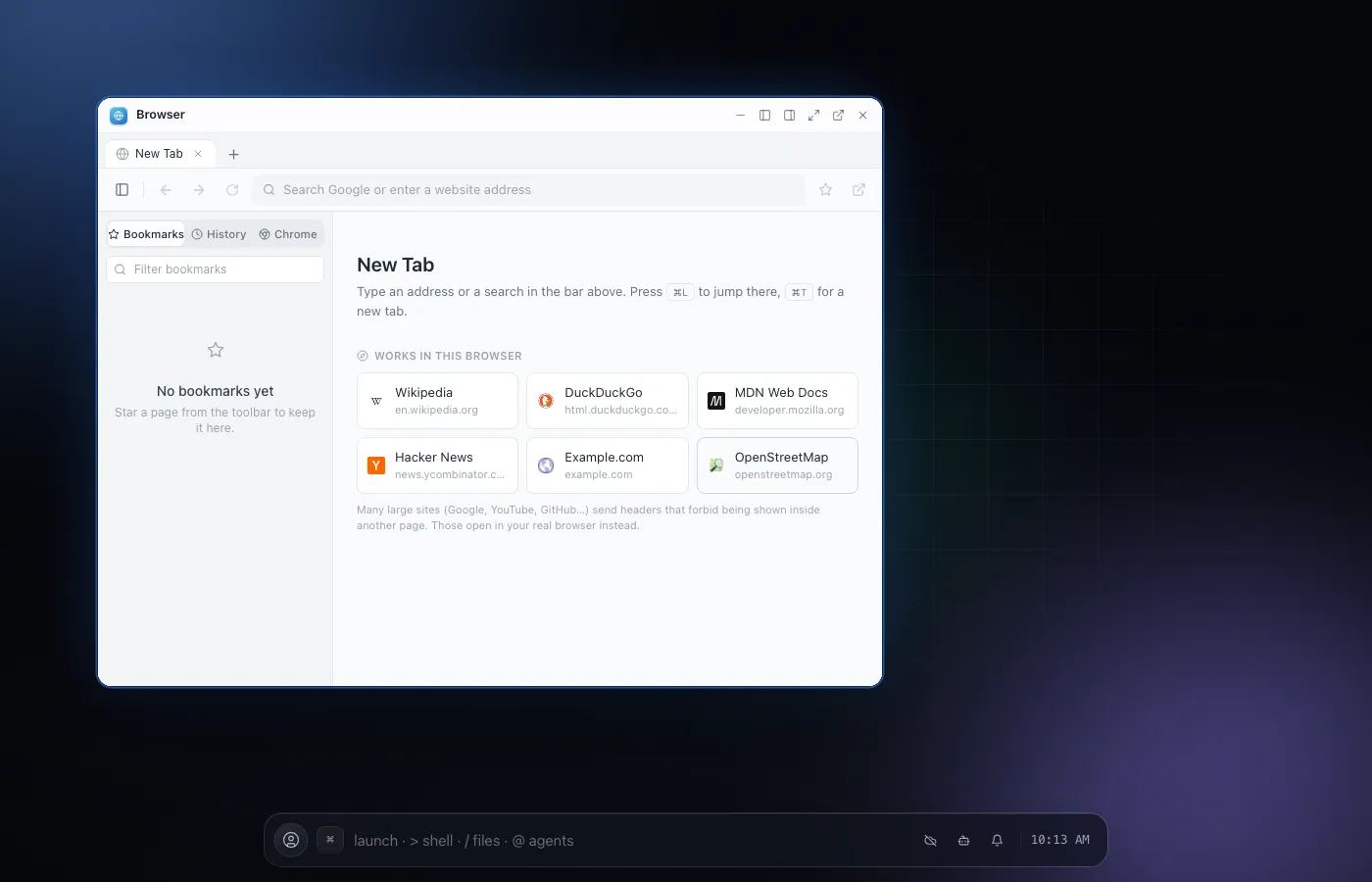
Browser
A real, multi tab web browser living inside your desktop.
- photoshop.app
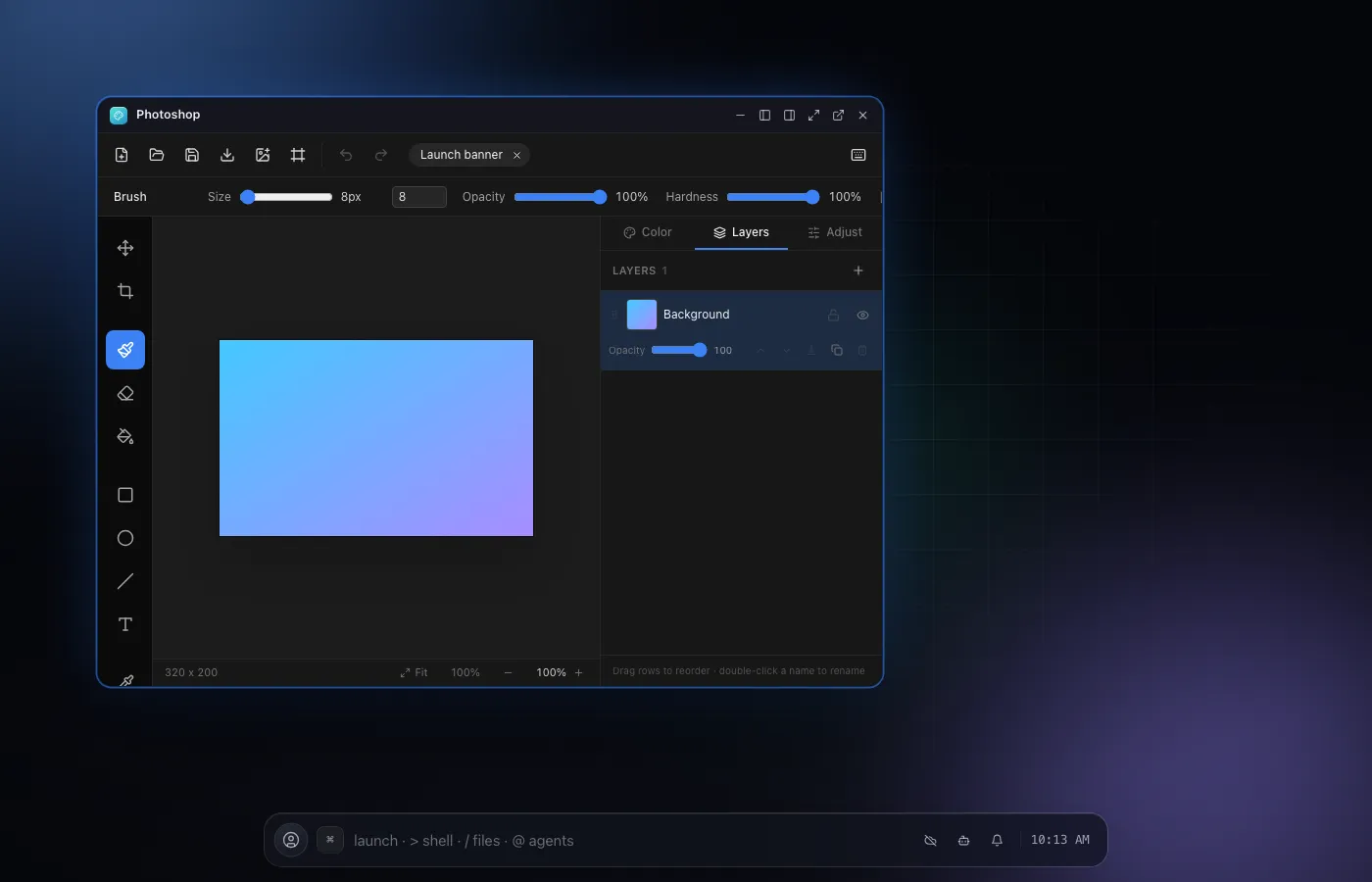
Photoshop
A real layered image editor, not a wireframe demo.
- doom.app
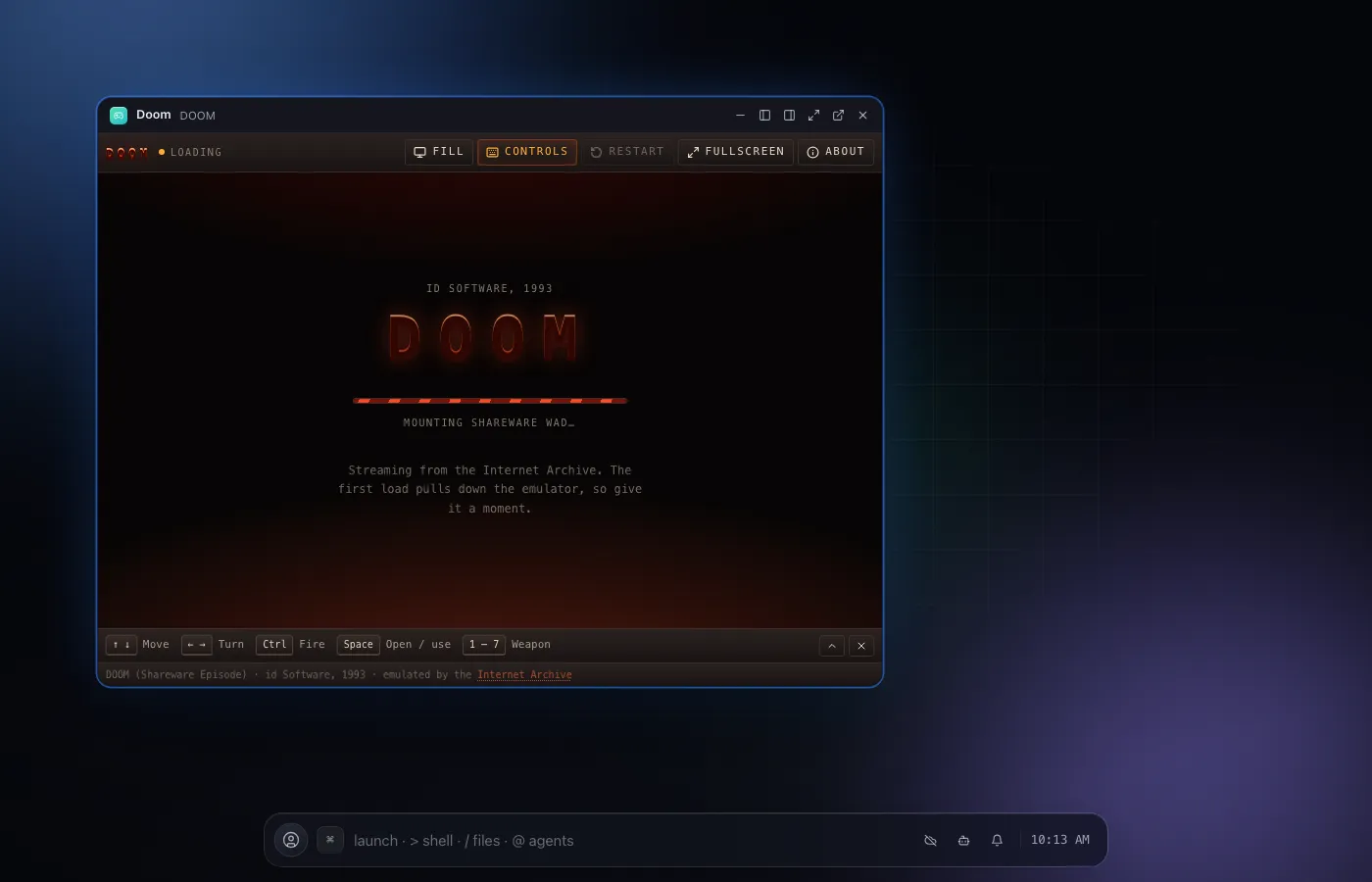
DOOM
The real 1993 DOOM shareware episode, playable in a window.
- weather.app
Weather
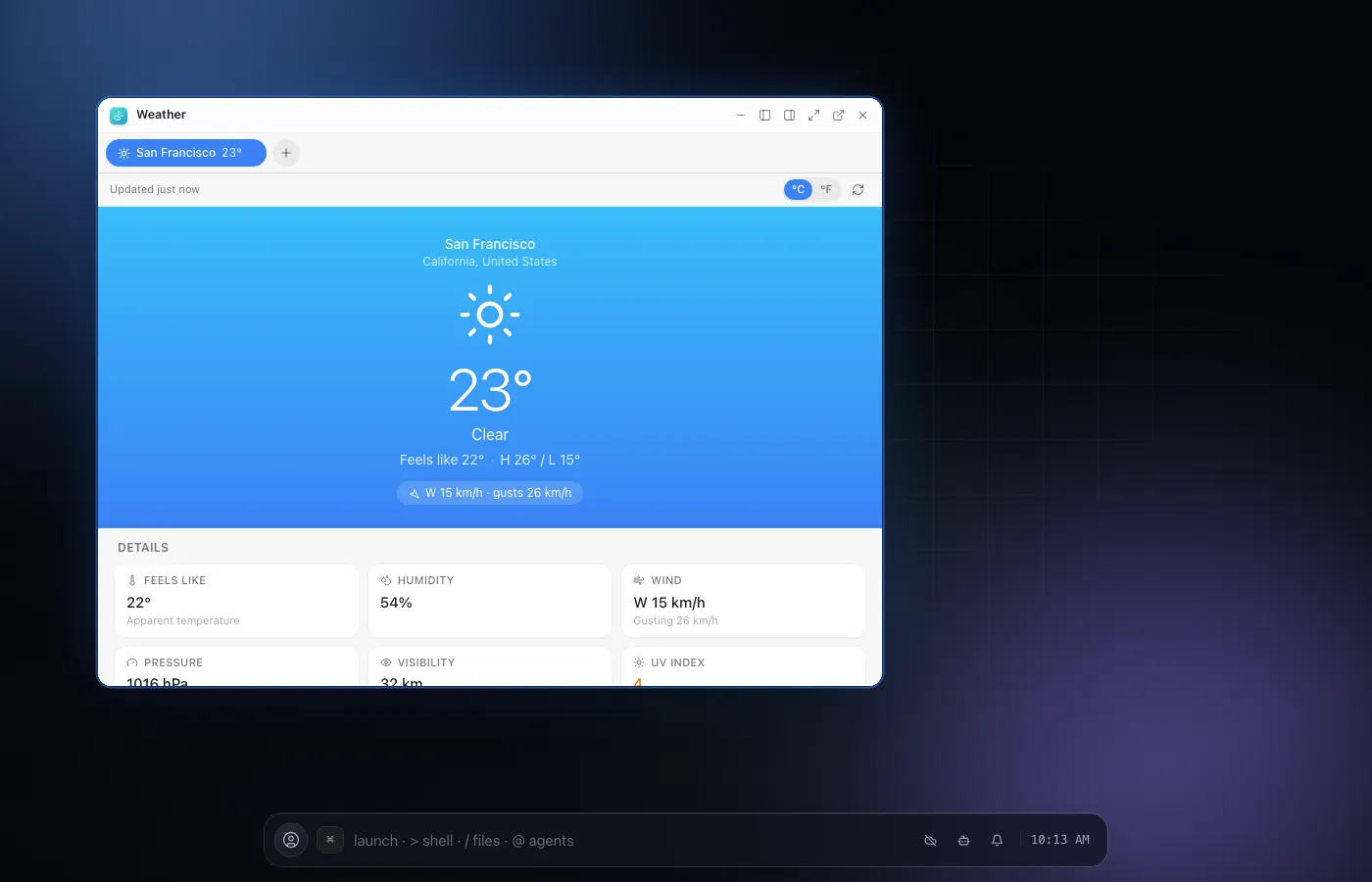
Live current conditions and a 7 day forecast, no API key needed.
03Agents
Every app is an agent.
You approve what matters.
Every app ships a specialist that owns its tools, and the assistant is the conductor: type a sentence into the strip and it delegates each piece to the right specialist, in parallel, stopping the moment a step is irreversible. One model choice drives them all, and you can build your own agents and pipelines on top.
- Every app is an agent; the assistant orchestrates across them, delegating in parallel
- One workspace model that every agent inherits, or pin a specific model per agent
- Every destructive tool is confirmation-gated; auto-approve is an explicit, per-agent opt-in
- Bring your own key for five providers, or a hosted allowance on the paid plans
➜ “prepare the Q3 launch: notes, budget, a mail to the team, and a calendar hold”
- ✓notes_search "Q3 launch" → 3 notesdone
- ✓spreadsheet_read budget.csv · 42 rowsdone
- ✓mail_compose draft to the teamdone
- ?terminal_run rm -rf build/needs you
- ·calendar_create waiting behind the approvalqueued
approval required
terminal_run wants to delete build/ (14 files). Allow it?
the pause is the product: nothing irreversible runs until you say so
04Who it is for
Built for the people
who build things.
Build on it, and ship into it
Point any OpenAI SDK at the gateway and route across five providers, or drive your own NextOS agents from your app through a scoped key. Then ship apps the other way: drop in a Vite or Next.js build, or write against the SDK, and they install next to the built-ins with their own agent tools. Node.js and npm run for real, in the Terminal and VS Code.
One workspace, one invoice
Pro for every seat, plus shared workspaces on Drive, an admin console, Google Workspace domain restriction for sign-in, audit log export, and pooled Node and sandbox allowances across the team.
built withNext.jsCPython via PyodideNode.js via WebContainersIndexedDB + OPFSGoogle DriveMonaco / VS Code
05Pricing
Free to boot.
Pay when you outgrow it.
The whole OS is free, client-side, forever. Paid plans add what needs a server. Every plan, compared
06Questions
Asked often,
answered plainly.
What is NextOS?
A desktop operating system that runs entirely inside a browser tab: real apps, a real filesystem, and AI agents that can operate any of it under your approval, all on top of your own Google Drive.
Do I need to install anything?
No. Open the URL and the desktop boots. It also installs as a PWA if you want an app icon, but that is optional.
What happens if I close the tab?
Your files are already saved, to the local virtual filesystem and, if you have connected Drive, synced there too. Reopening the tab picks up exactly where you left off. On Plus and above, schedules and automations keep running on the server while the tab is closed.
Is my data private?
Files live in your own Google Drive and in your browser’s local storage. There is no server-side copy of your files; the sync infrastructure relays change notifications, never content.
Can agents really operate the apps, or is that just chat?
Agents call the same tools the UI does: opening apps, editing notes, running terminal commands. Every consequential action waits for your approval before it runs, and you watch the trace.
Is it free?
Yes. Every app, every runtime except Node.js, and bring-your-own-key agents are free forever. The paid plans add what needs a server: live sync, background runs, a real Node.js runtime and a sandbox.