➜ NextOS — the operating system itself.
A real operating system.
In a browser tab.
A window manager, a filesystem, a terminal, and 54 apps. Everything below runs in the tab you have open right now - no install, and no less real for it.
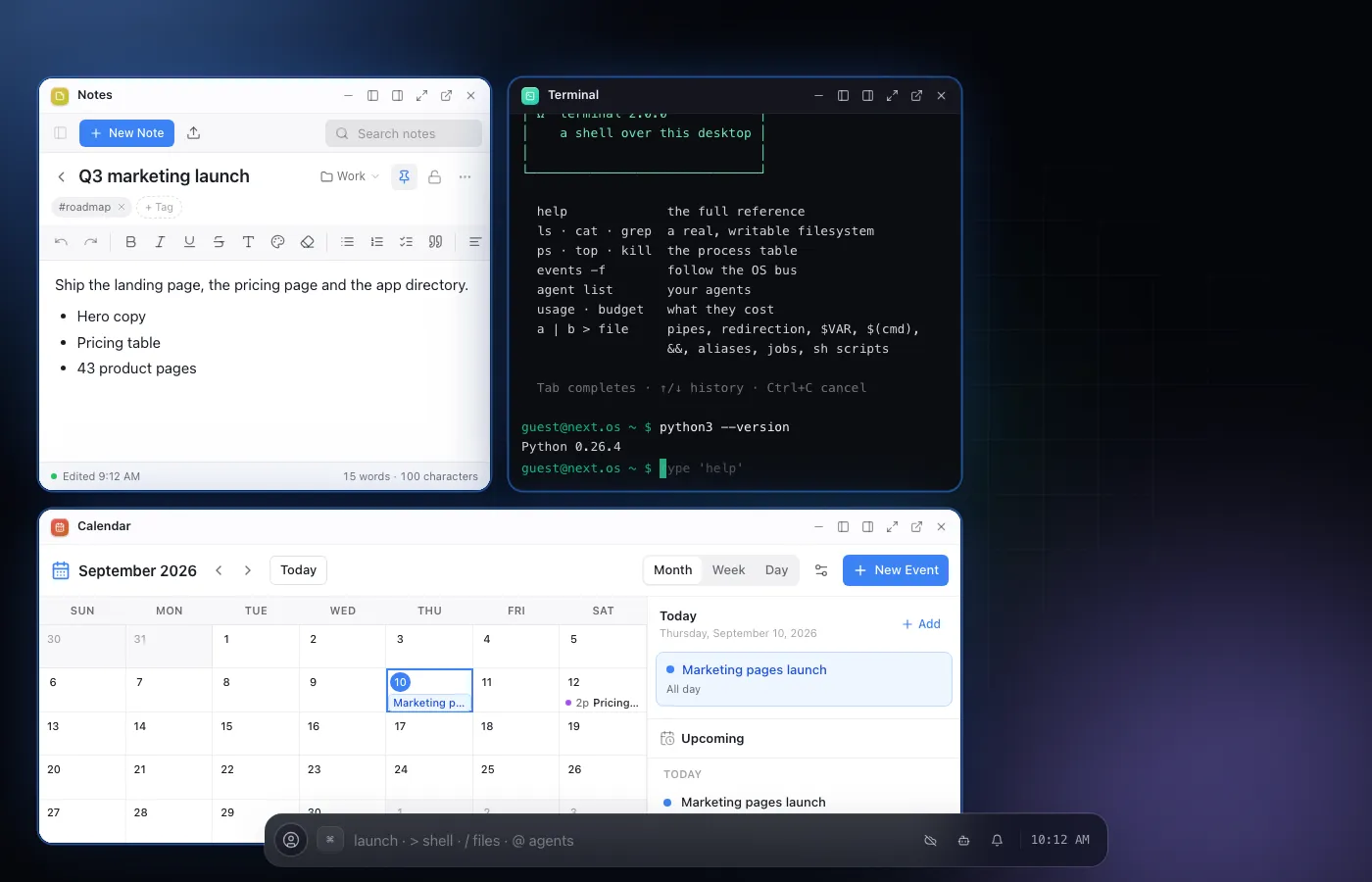
the desktop shell — the strip along the bottom, windows tiled above it
01the shell
One strip runs the whole desktop.
Windows, scenes, and a shell for your phone.
The Field shell is the OS chrome: a strip that launches apps, tiles and snaps windows into scenes you can jump back to, and a mobile shell that takes over under a phone-sized screen.
- The strip launches apps, and three characters change what it does: / finds a file, > runs a terminal line, @ hands an agent a task
- Windows tile, snap, and group into scenes you can switch between
- Detach any window into its own real browser window
- A dedicated mobile shell takes over under a phone-sized screen — same OS, same files
02files
A real filesystem,
not a folder of app data.
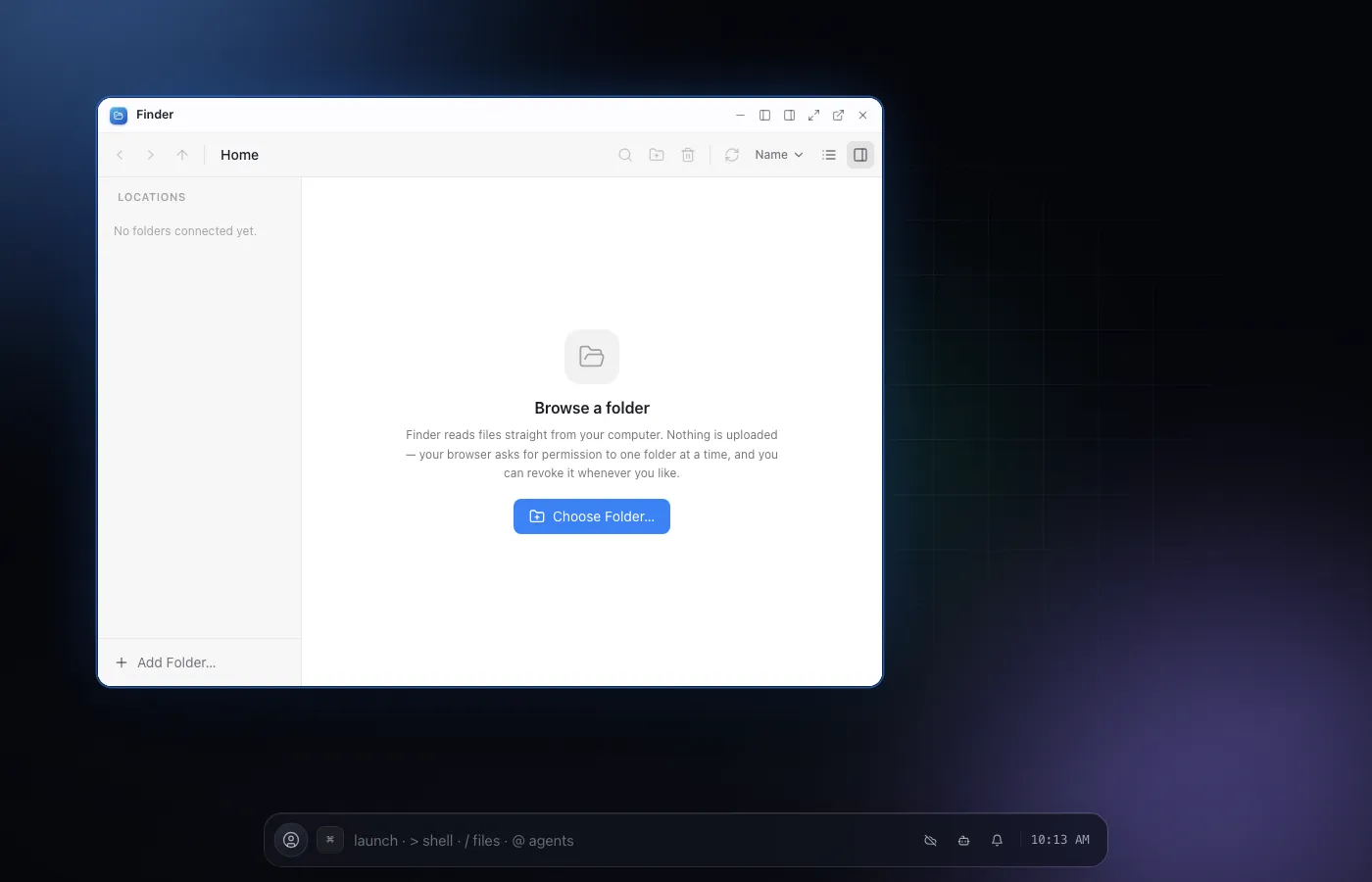
A Unix-style filesystem lives in the browser itself, and every app reads and writes to it - so a file you make in one app is just there, unmodified, in every other.
- Real directories, permissions and file types - not a database dressed up as one
- Sync it to Google Drive, OneDrive, Dropbox, Box, S3 or WebDAV
- Open a file on a phone, keep editing it on a laptop
03terminal
Real Python. Real Node.
Not a simulation of either.
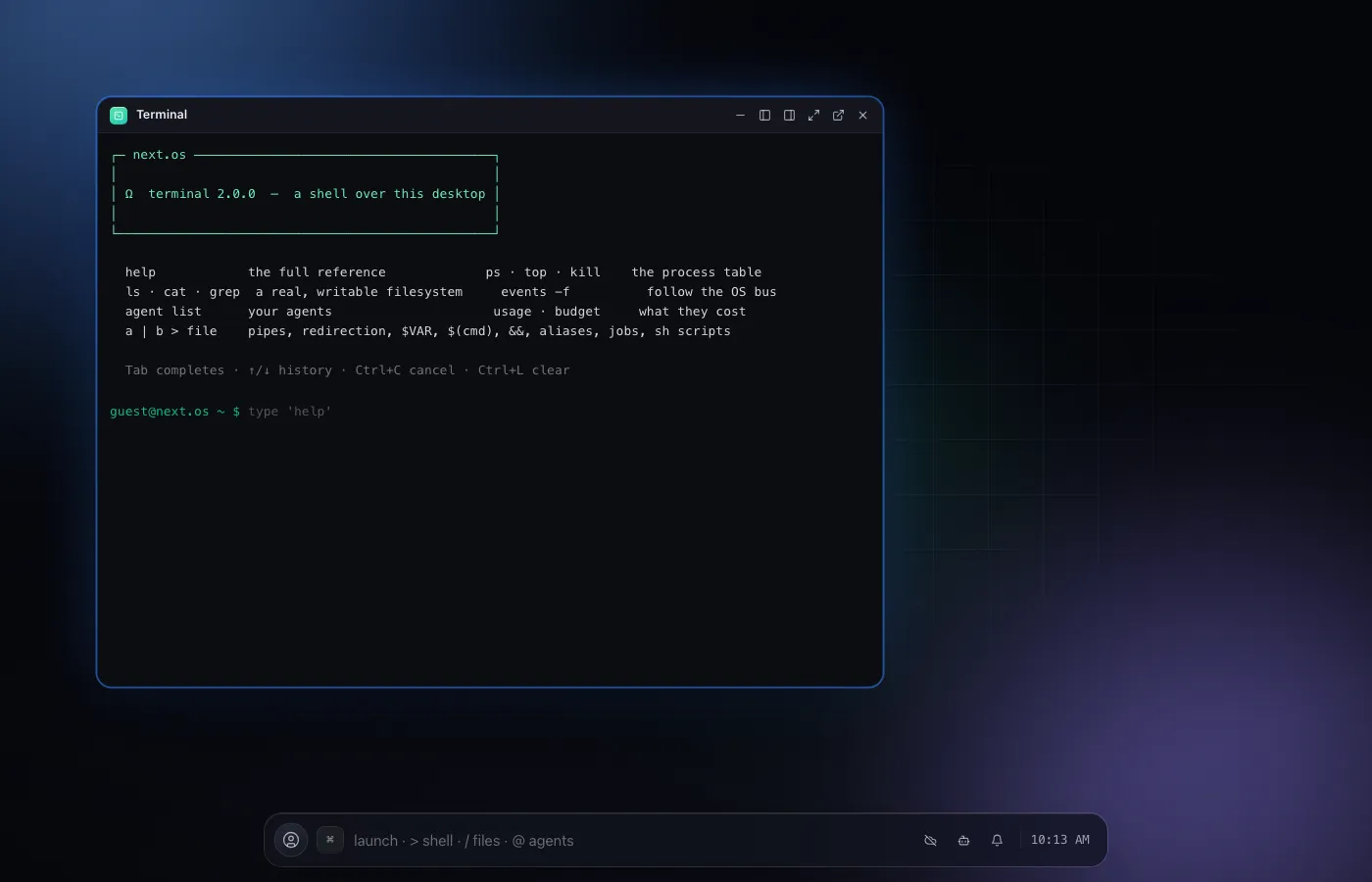
The terminal runs an actual Python interpreter and an actual Node.js runtime, both behind a real pty, so pipes, signals and interactive programs behave the way they do on a machine. The VS Code app sits alongside it, running real extensions against the same files.
- Real Python and real Node.js, in the tab, no server round trip per command
- A pty underneath, so pipes and interactive programs work like a real shell
- The VS Code app, with real extensions, editing the same filesystem
04apps
54 apps.
And a store for the rest.
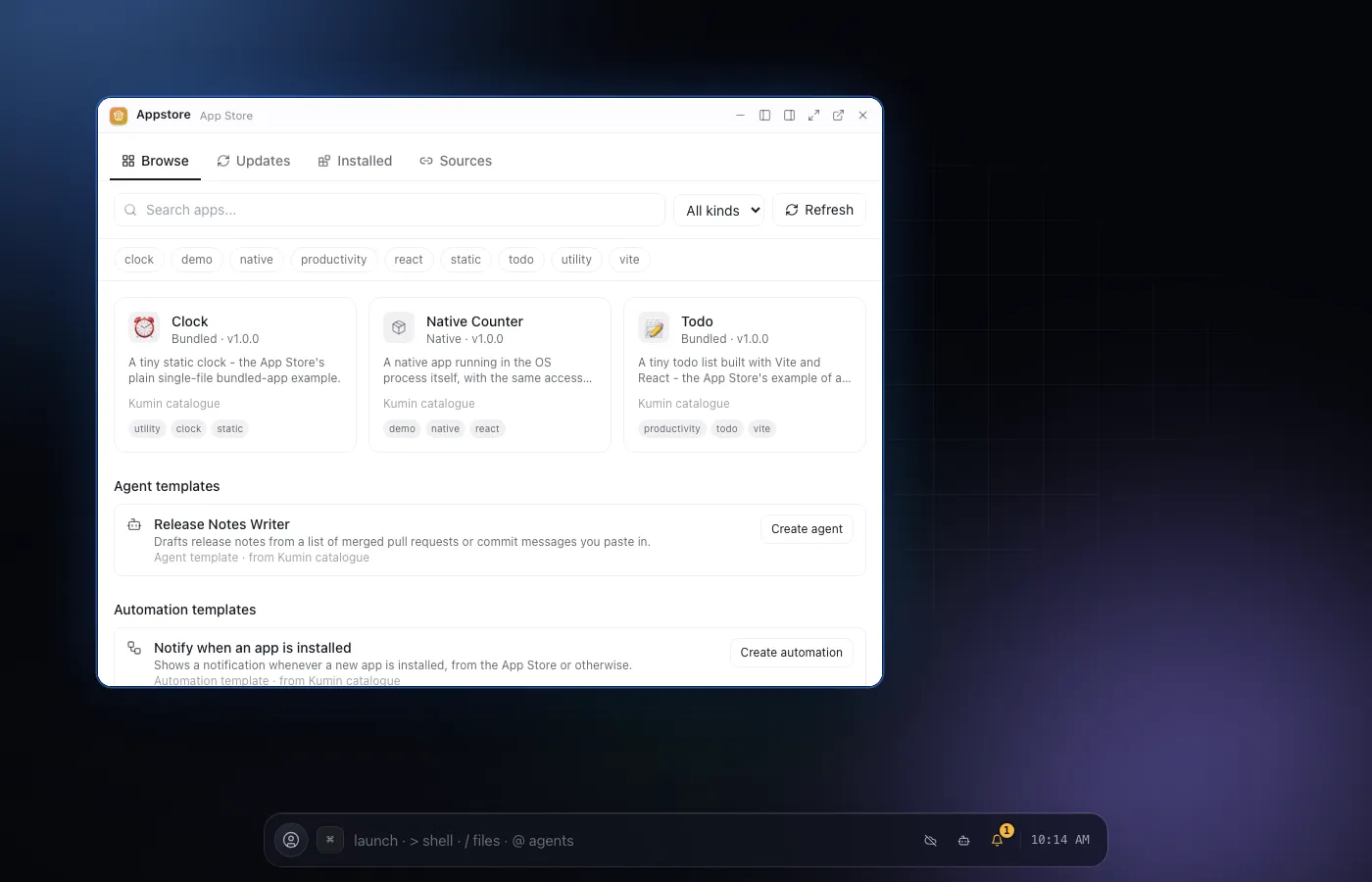
Every corner of the desktop is covered by a built-in app - across every category from developer tools to media: Finder (Utilities), Terminal (Developer Tools), Notes (Productivity), Mail (Communication), Automations (Agents & Automation), Photoshop (Media & Games), Weather (Information), Settings (System), and more. An App Store carries third-party apps, and you can build and publish your own. Apps built by the community install from that same App Store, and each one has its own page under Community.
- 54 built-in apps, spanning every category the OS has
- An App Store for anything third-party
- Community-built apps install from the same App Store
- Build your own app and publish it for others
05database
One database.
Apps, agents and your sites all read it.
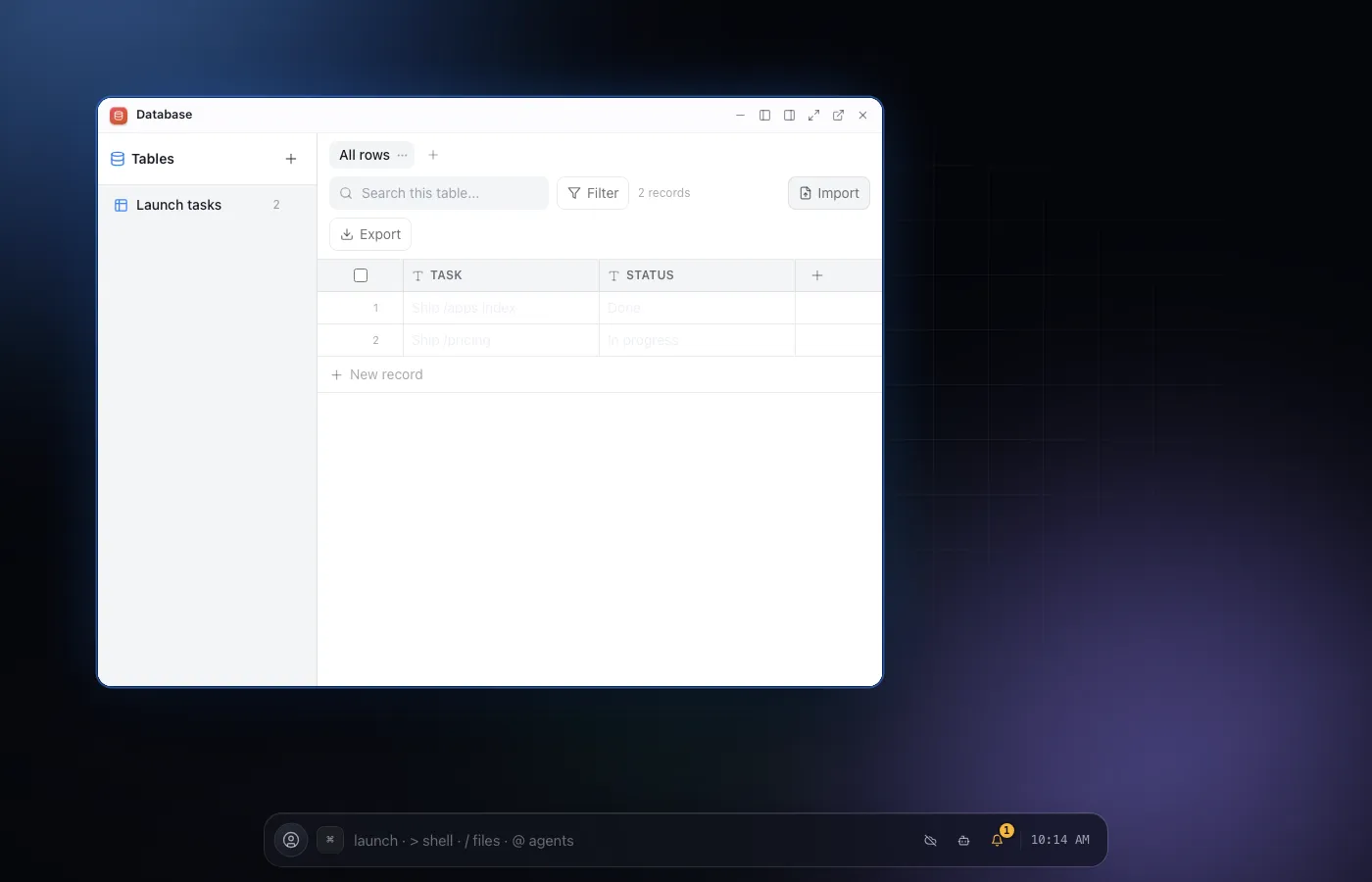
A built-in database is available to every app, every agent, and any website the OS hosts for you - one place for structured data, under the same permission ladder as everything else.
- Every app can read and write it, with no setup
- Agents use the same database, and ask before anything destructive
- A site you host can query it too
06offline and continuity
Keep working
with no connection at all.
State lives in the browser, so the OS keeps working with no connection. Sign in and it also syncs: the same file, the same open window, picked up on another device the moment you open it.
- Nothing about working offline is degraded - it is the same OS
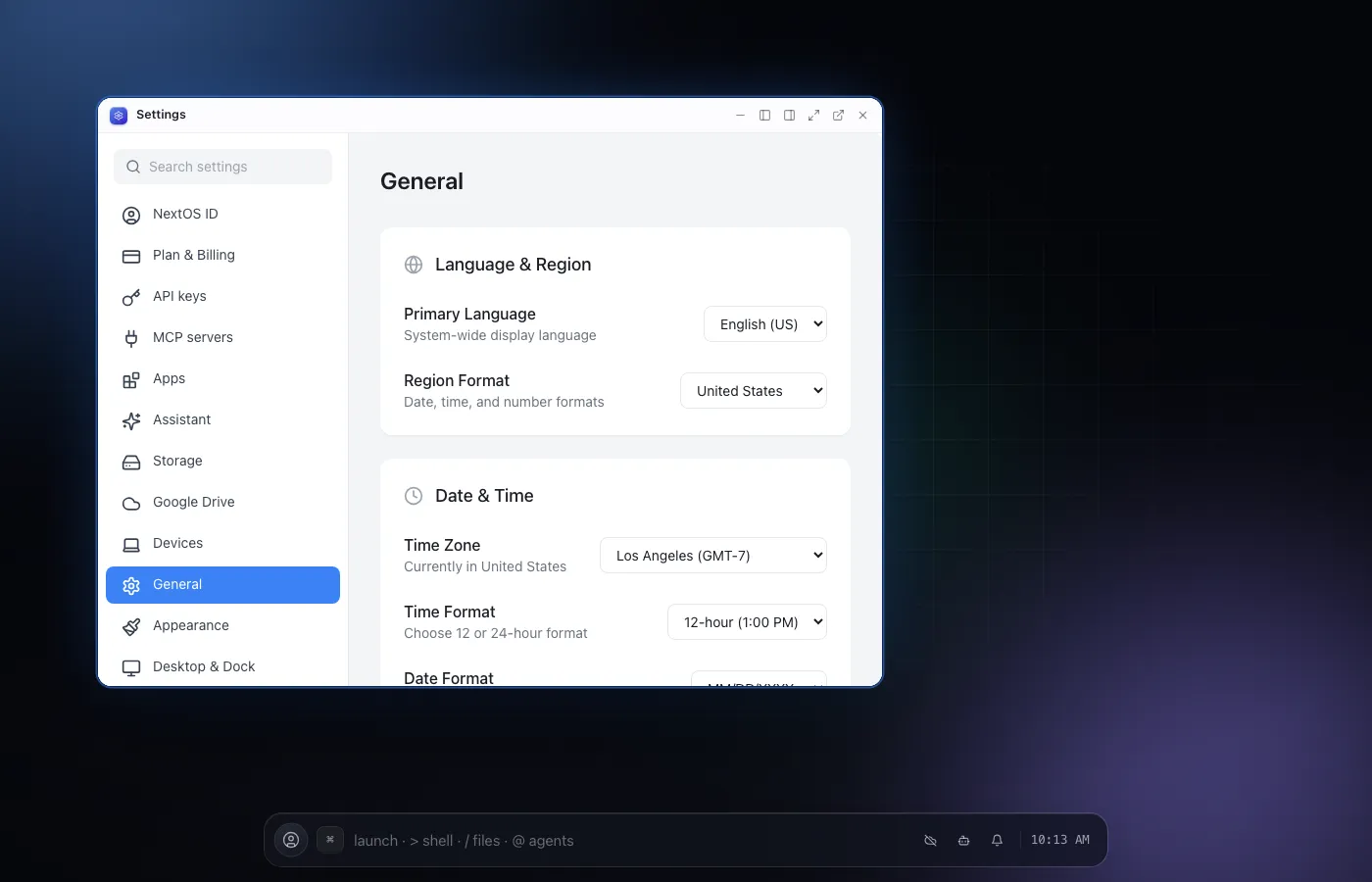
- Sign in once and files, tables and settings follow you to another device
- Runs anywhere a modern browser does: laptop, phone, tablet, a TV, a kiosk
07Everything here
The rest of the OS,
in one list.
- Overview
Windows, a Unix-style filesystem, and a terminal that runs real Python and Node.
- Works where you work
Laptop, phone, tablet, TV, the screen on your fridge. Same OS, same files.
- Apps
Fifty-three built-in apps and an App Store for more.
- Community
Apps, agents and tools other people built for NextOS.
- Database
A built-in database every app, agent and website can use.
- Offline and continuity
Keep working without a connection; pick up on another device.
- Live data
Files and tables that update across every open tab and device.
- Cloud storage
Google Drive, OneDrive, Dropbox, Box, S3 and WebDAV sync.
- Make an app
Build and publish your own app for the OS.
08Questions
Asked often,
answered plainly.
Is it really an operating system?
Yes: a window manager, a Unix-style filesystem, a real terminal, a built-in database, and dozens of apps that all read and write the same files - running as one page in your browser tab instead of as an install on your machine.
What actually needs a server?
Working in one browser tab, on one device, needs nothing but the tab itself - the shell, the filesystem, the terminal and every app run client-side. Signing in adds a server: it syncs your files and settings across tabs and devices, and it is what keeps an agent’s background run going after you close the tab.
Is my data actually mine?
Your files live in the browser’s own storage, or, if you turn on sync, in a storage provider you connect yourself - Google Drive and six others. There is no proprietary format holding it in place.
Can I run it myself, instead of on your servers?
Yes - NextOS can run on your own Vercel project and your own Redis instance, for a team that wants the server-side parts under its own control.