VSCode
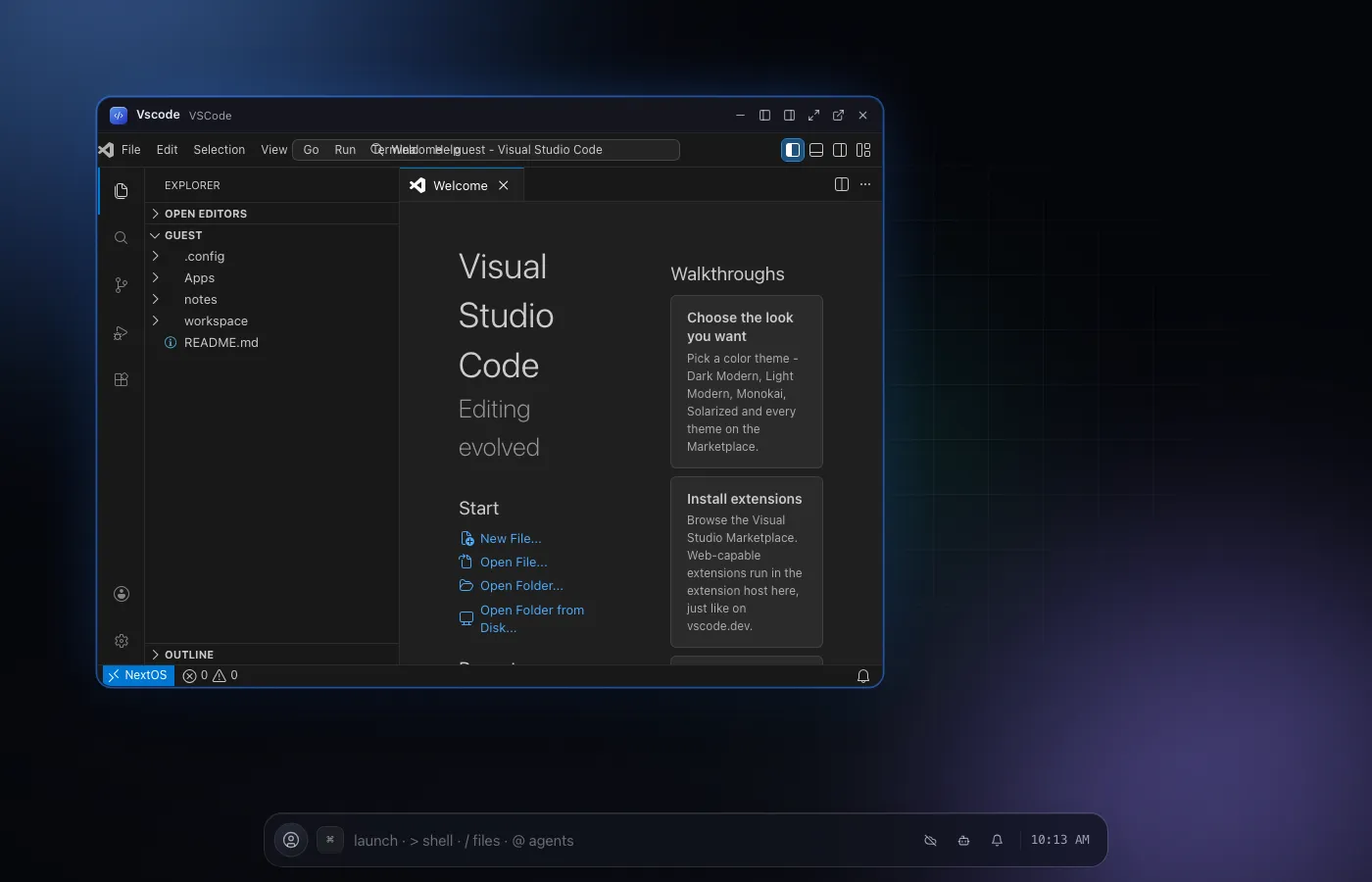
A real VS Code workbench, with real extensions, in your browser.
01What it does
VSCode
in plain words.
included in
Free, and every plan above it
Every built-in app is fully functional on the Free plan. See pricing.
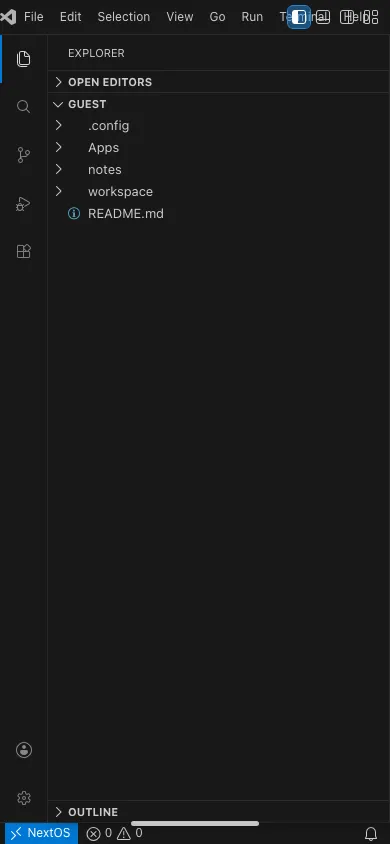
A full VS Code workbench built around the Monaco editor core: the explorer, search, extensions view, integrated panel, settings and keybindings editors, command palette and themes all live here, alongside a real terminal.
Extensions are not mocked. There is a real Marketplace client, VSIX install, and two extension hosts that run the actual vscode API, so the editor you already know works the way you already know it, on any device with a browser.
Editing itself is Monaco with the real VS Code language configurations and TextMate grammars for 58 built-in languages, so syntax highlighting, diagnostics, go to definition, rename and formatting behave exactly like the desktop app, not an approximation of it.
A task runner, a real debugger, and a Ports view that notices the moment something you started begins listening are all part of the same workbench, so the workflow you already have does not change just because it is running in a tab.
02Features
- Explorer, search, extensions view and integrated terminal
- Command palette, themes and a keybindings editor
- A real Marketplace client with VSIX install
- Two working extension hosts running the actual vscode API
- Debugging tools for the code you write in the OS
04Related