Settings
One place to configure identity, appearance, notifications and storage.
01What it does
Settings
in plain words.
included in
Free, and every plan above it
Every built-in app is fully functional on the Free plan. See pricing.
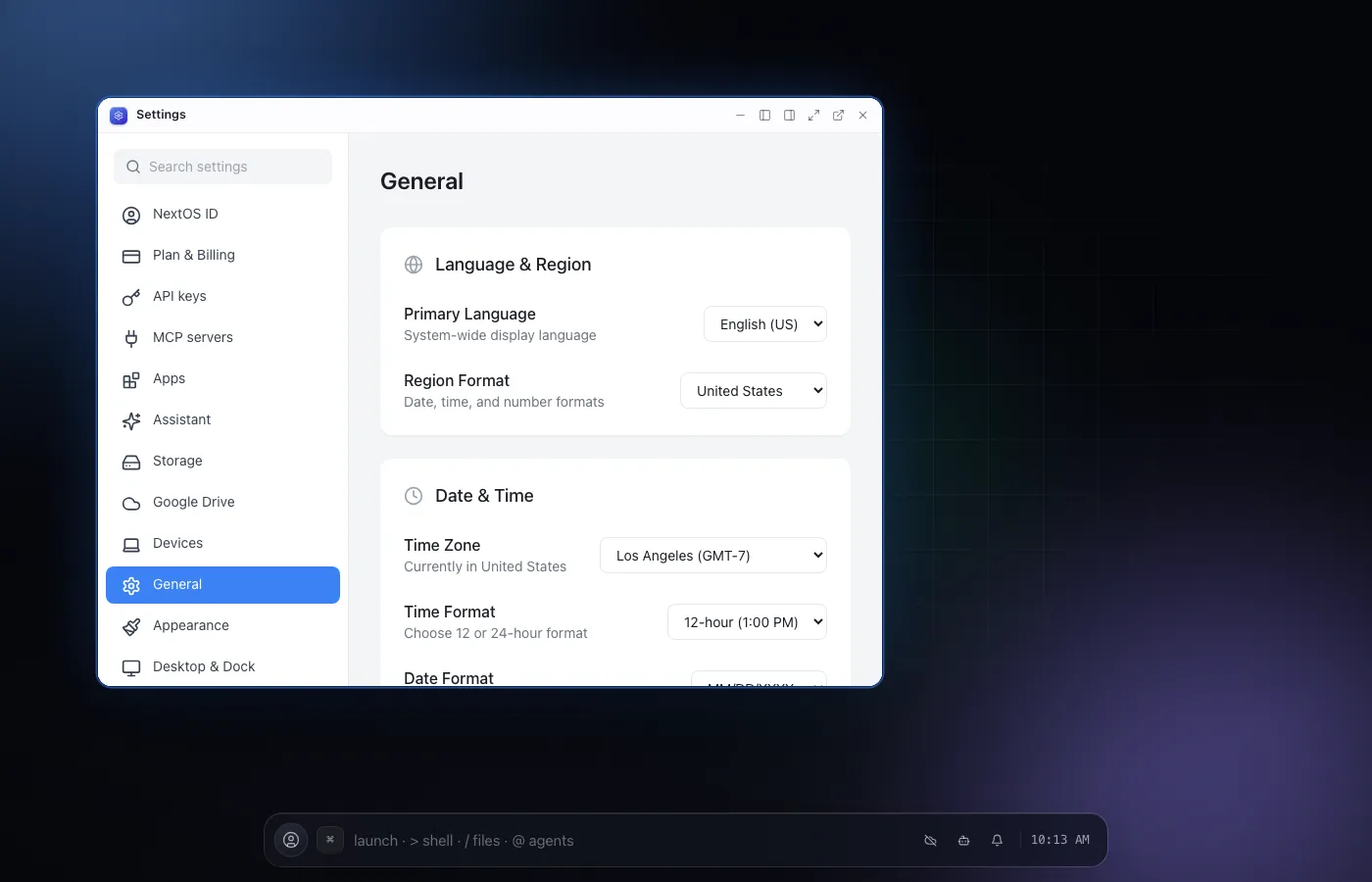
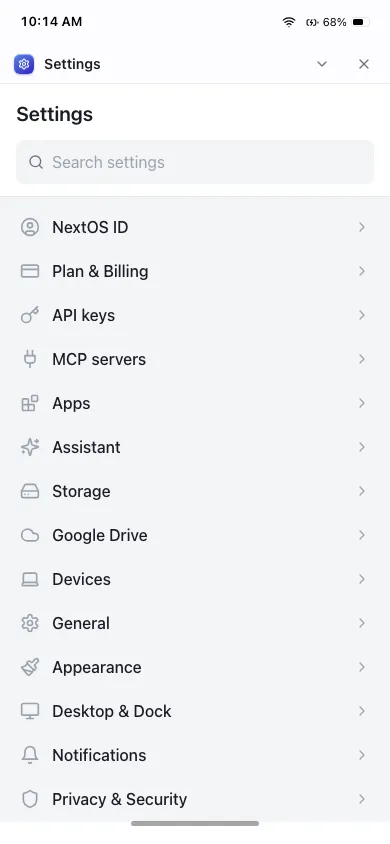
Settings is the one place to configure the OS: identity, appearance, the desktop and Dock, notifications, privacy, storage, and API keys.
Every section here is wired to something real. If a control is shown, something elsewhere in the OS actually reads it, so nothing in Settings is decoration.
02Features
- Identity and account controls
- Appearance, desktop and Dock preferences
- Notification and privacy toggles
- Storage usage and API key management
- Every control is wired to something the OS actually reads
04Related
05Also from the community
See all community toolsBuilt by people outside the core team, installable from the App Store.
- chess.app
Chess
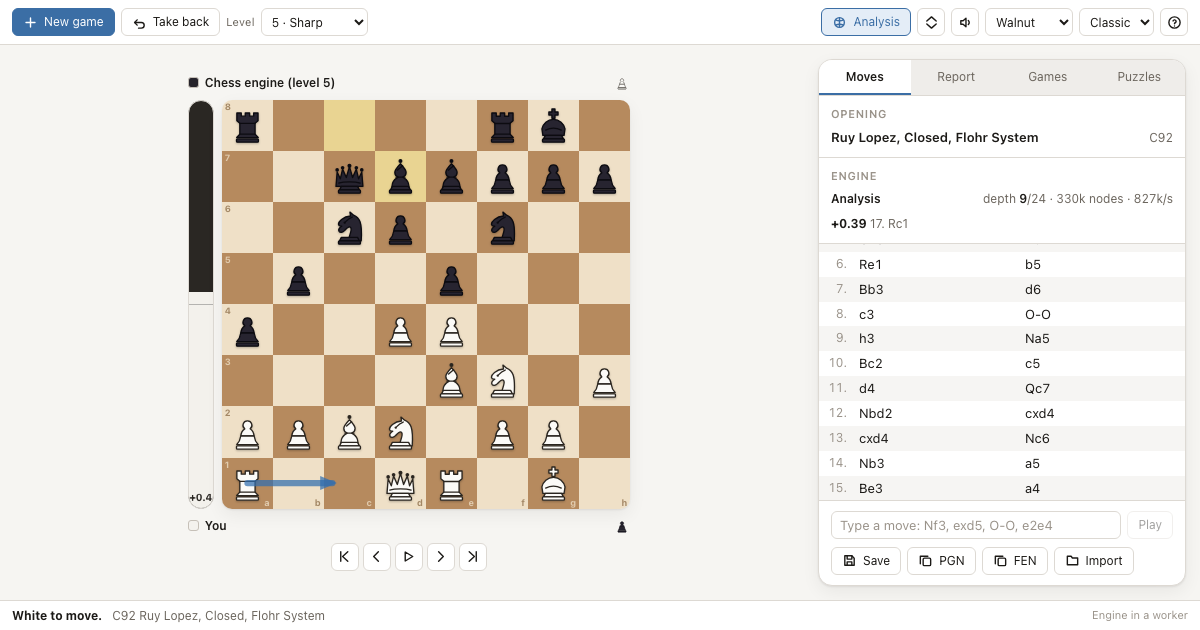
A complete chess app for NextOS with its own engine, opening book and game analysis - every rule, eight strengths, PGN files.
- recall.app
Recall
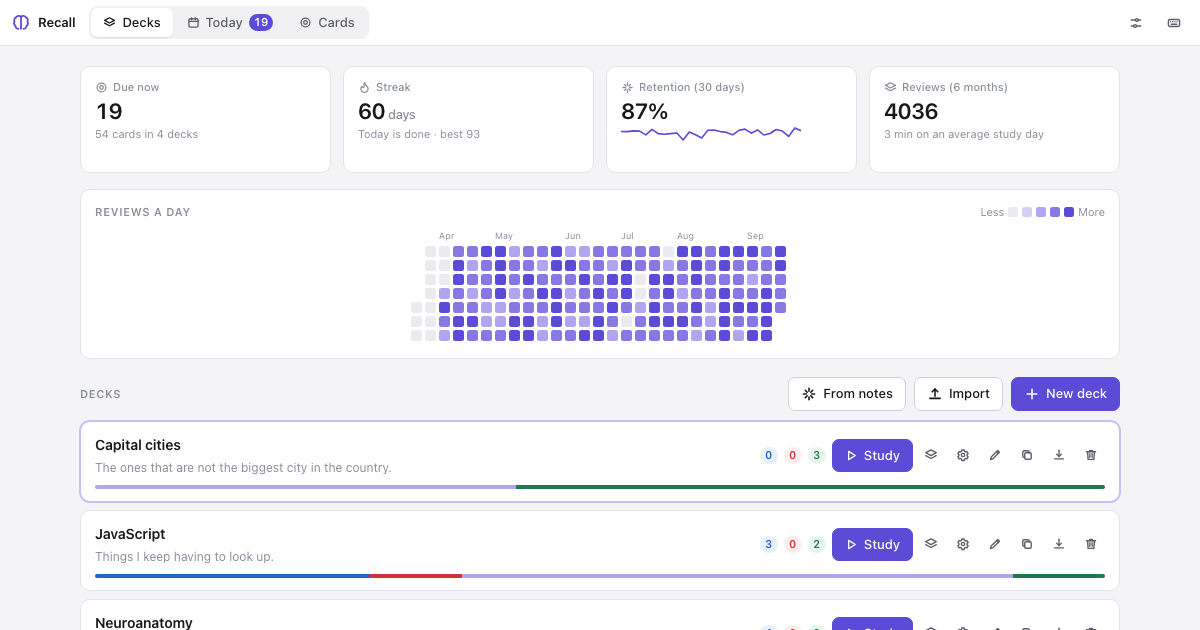
Spaced-repetition flashcards whose decks are plain Markdown files you can edit anywhere, with an Anki-style scheduler and tools an agent can call.
- sketch.app
Sketch
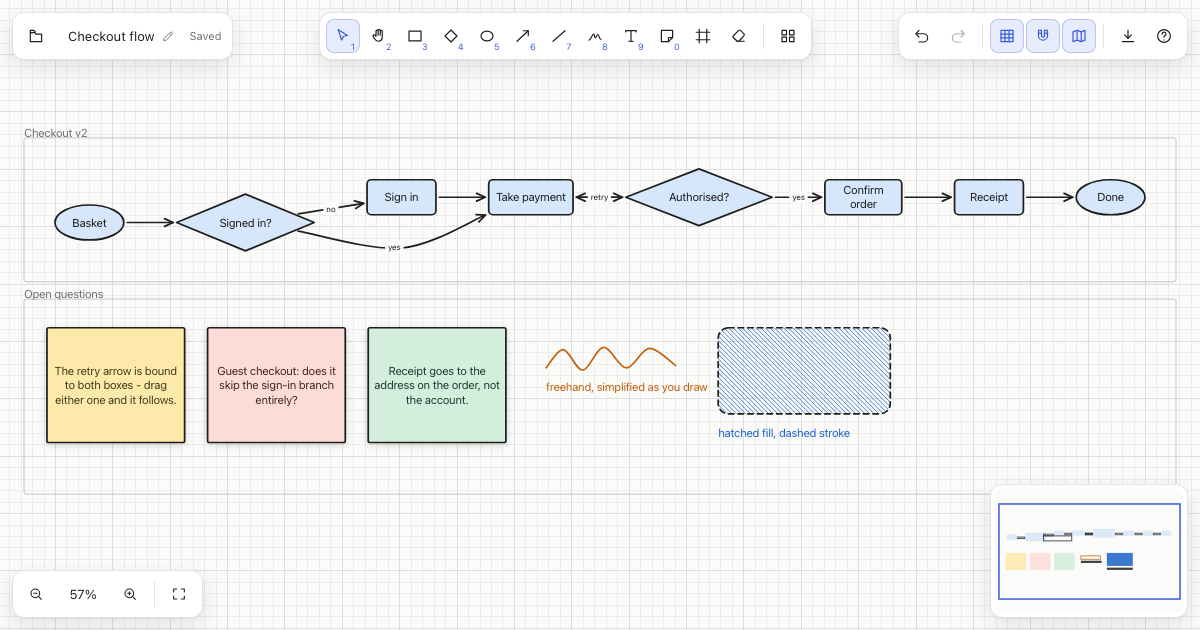
An infinite whiteboard for NextOS: shapes, arrows that stay attached when you move things, freehand, sticky notes, frames, and clean SVG export.