Scripts
Write a script once and bind it to a command, an event, or a schedule.


01What it does
Scripts
in plain words.
included in
Free, and every plan above it
Every built-in app is fully functional on the Free plan. See pricing.
Scripts is where you give the assistant (or yourself) a small, reusable piece of code that runs inside the OS with real access - reading and writing files, talking to other apps' agent tools, calling out to the network - but only as much access as you grant it, checked on every single call.
A script runs in its own dedicated Web Worker: no DOM, no direct fetch/XMLHttpRequest/WebSocket, and no way to write into ~/Apps, ~/Scripts, or ~/Extensions no matter what it's been granted. It reaches the rest of the OS through one narrow, permission-checked channel back to the host - the exact same table a sandboxed app's bridge already uses.
Bind a script to a command in the strip with its own keybinding, an OS event pattern, a schedule (an Automations rule under the hood), or just run it manually. Give it a budget - 30 seconds by default - and it is terminated if it runs long, with the run recorded in its log either way.
02Features
- Runs in a dedicated worker with no DOM and no direct network access
- The same permission model as third-party apps: fs, network, agents, tools, granted explicitly
- Bind a script to a strip command and keybinding, an OS event, a schedule, or run it manually
- Before-hooks can veto or rewrite a Notes save, a Finder create, a Mail send, a Calendar create
- A hash-pinned build - a script never runs unless its code matches what was approved
- Install from the community catalog, or share your own
04Related
05Also from the community
See all community toolsBuilt by people outside the core team, installable from the App Store.
- chess.app
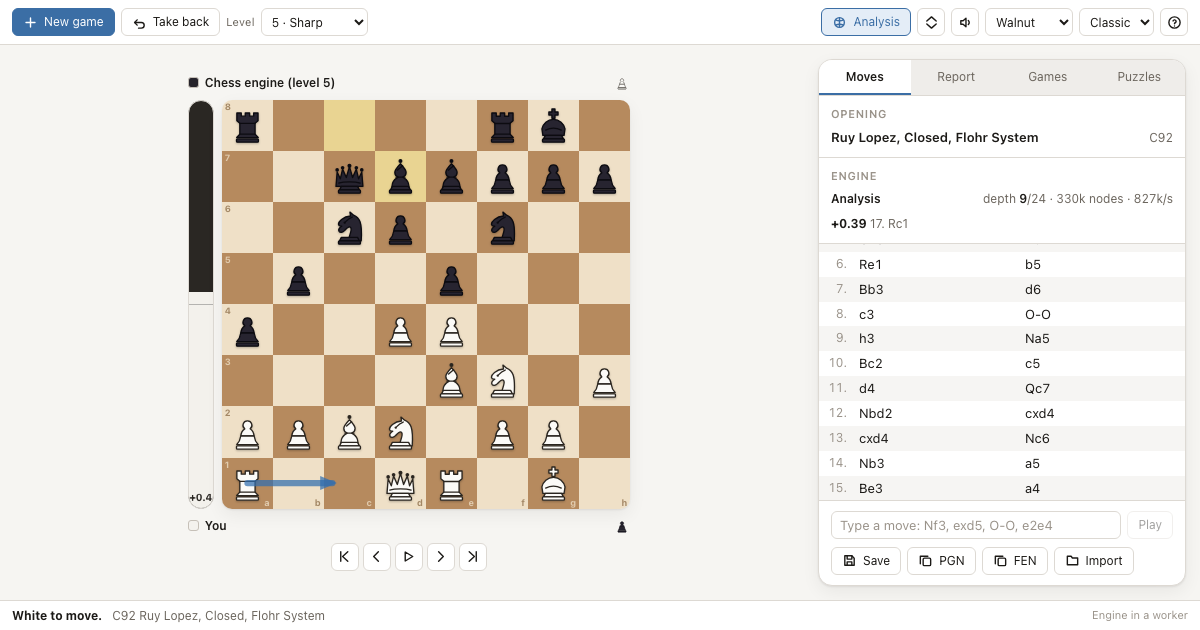
Chess
A complete chess app for NextOS with its own engine, opening book and game analysis - every rule, eight strengths, PGN files.
- recall.app
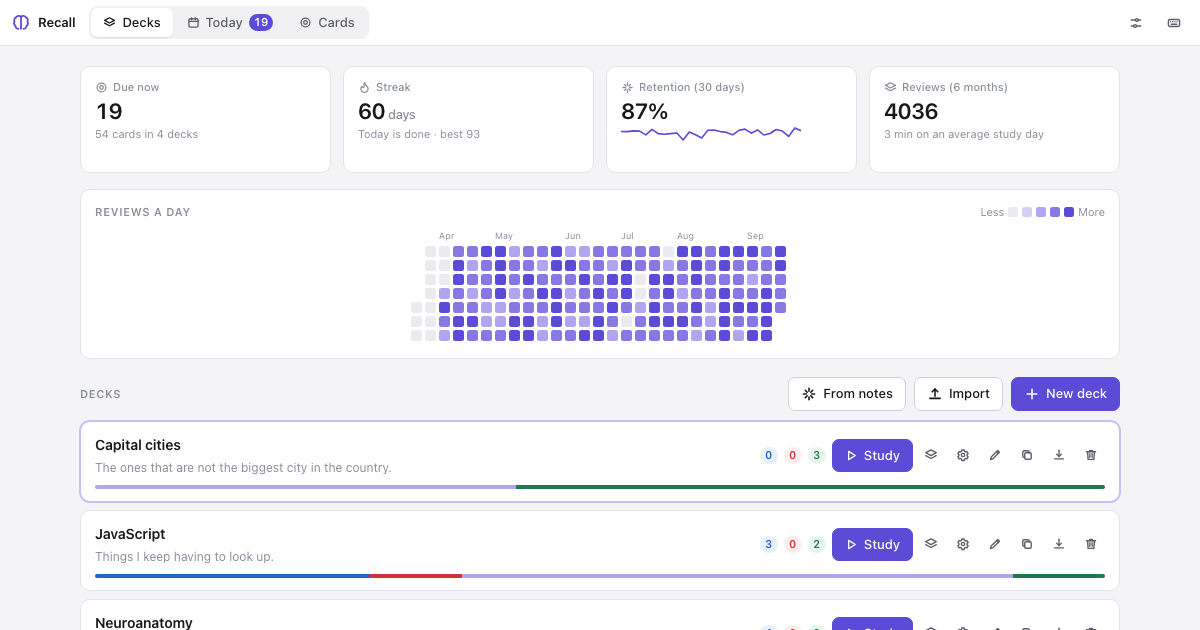
Recall
Spaced-repetition flashcards whose decks are plain Markdown files you can edit anywhere, with an Anki-style scheduler and tools an agent can call.
- sketch.app
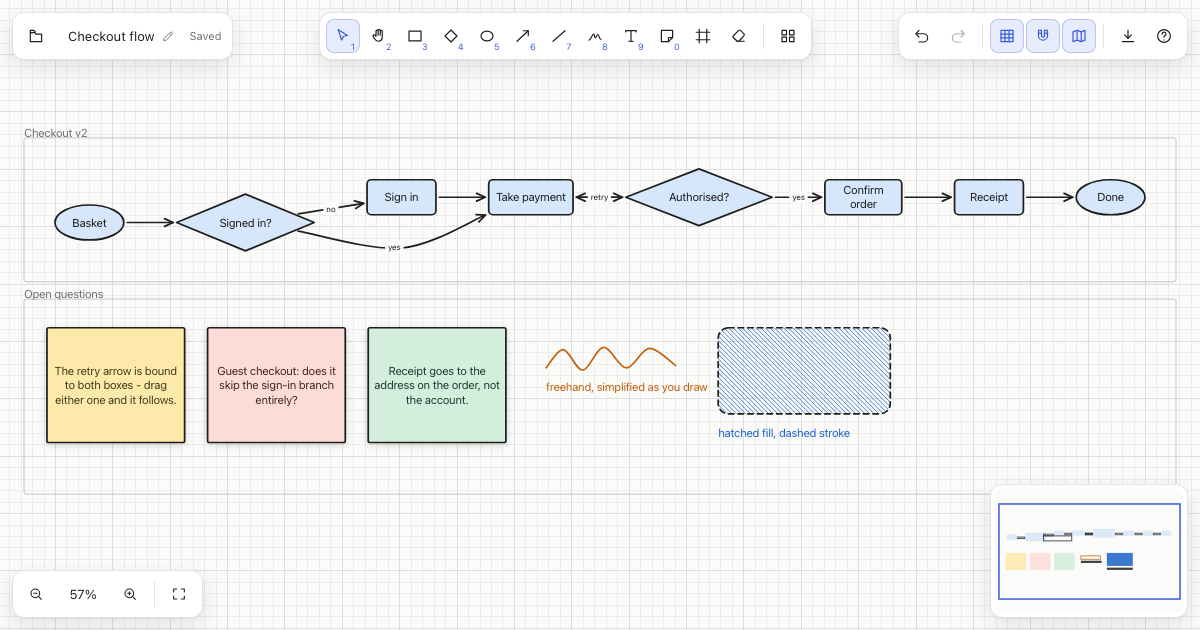
Sketch
An infinite whiteboard for NextOS: shapes, arrows that stay attached when you move things, freehand, sticky notes, frames, and clean SVG export.