Windows
Install and run 32-bit Windows programs in the browser, files and all.
01What it does
Windows
in plain words.
included in
Free, and every plan above it
Every built-in app is fully functional on the Free plan. See pricing.
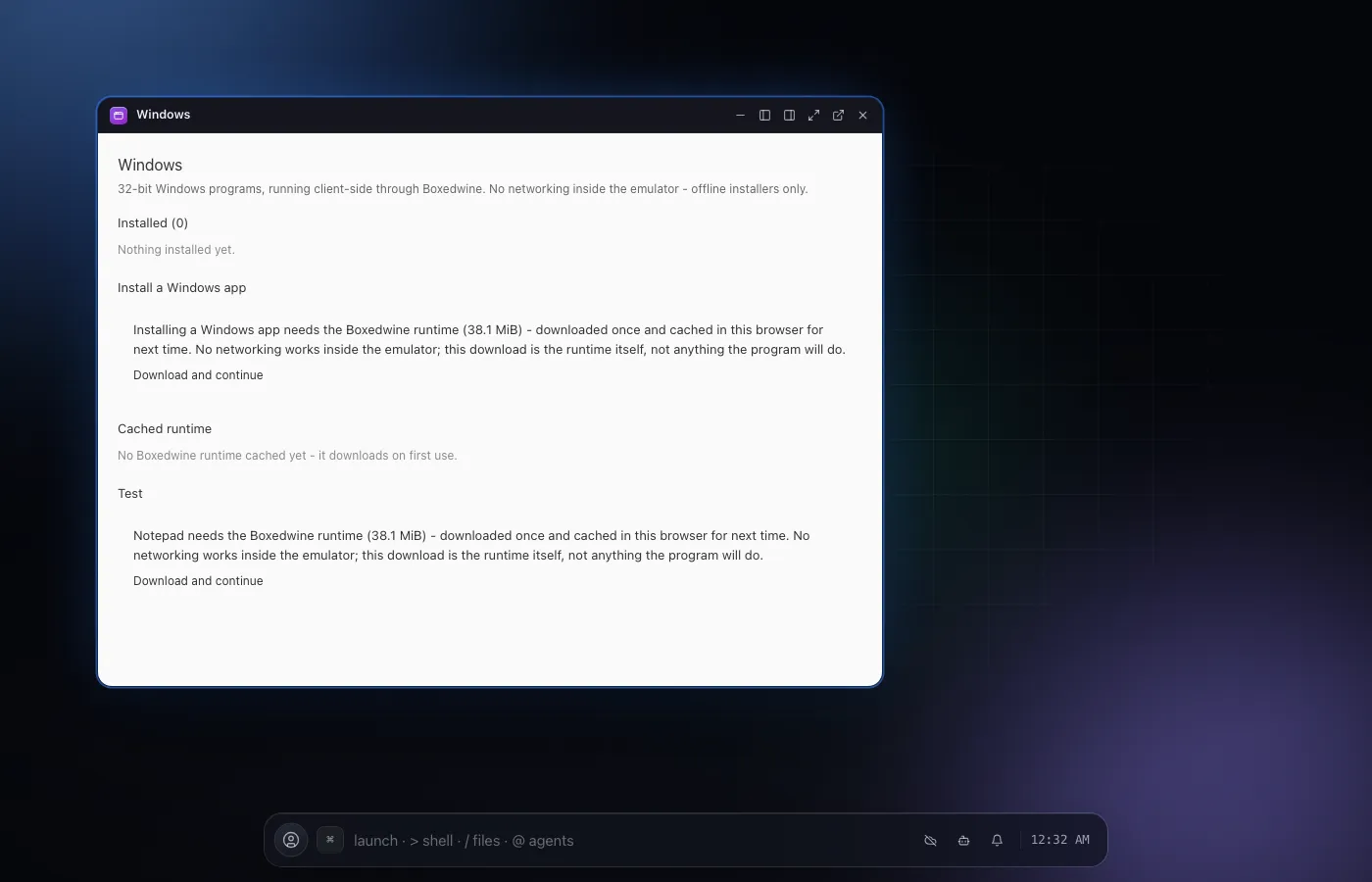
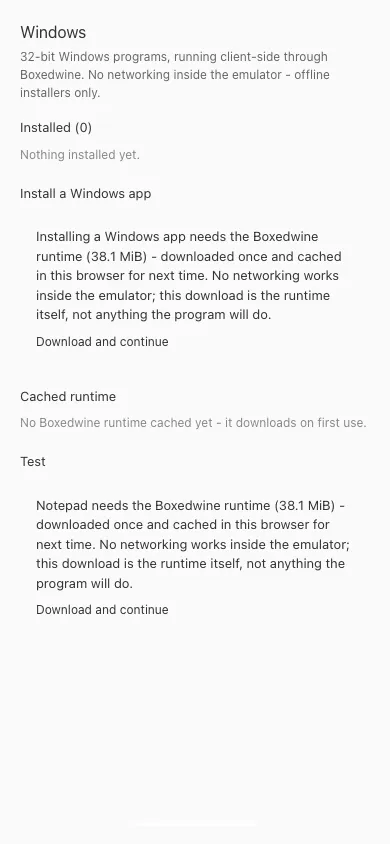
Windows is the manager for Windows programs on NextOS. Pick an installer that is already in your filesystem, run it in a cell, and when it finishes the app scans the new prefix for launch candidates and registers the one you choose as an app of its own.
Programs run entirely in your browser through Boxedwine: a 32-bit Wine with its own x86 emulator, compiled to WebAssembly. The first launch downloads the runtime once and caches it; after that a program starts in seconds.
Every program's C: drive lives at ~/Windows/<id>/prefix in the same filesystem the rest of the desktop uses, so Finder can browse it, Google Drive syncs it, and a reload brings the program back exactly as you left it.
The limits are the emulator's: 16-bit and 32-bit programs only, offline installers only, and no networking inside the guest. Sixty-four-bit software needs the cloud desktop tier, which is not built yet.
02Features
- Runs 16-bit and 32-bit Windows programs client-side through Boxedwine, a Wine build compiled to WebAssembly
- Installs from an .exe or .msi already in your filesystem, then finds the launch target for you
- Each program gets its own Wine prefix under ~/Windows, so installs persist and sync like any other files
- Installed programs appear in the launcher, the App Store and Settings like every other app
- Agents can install, run, screenshot and stop Windows programs with approval
04Related