Community tools · Skin
CRT
by Kumin Consulting.
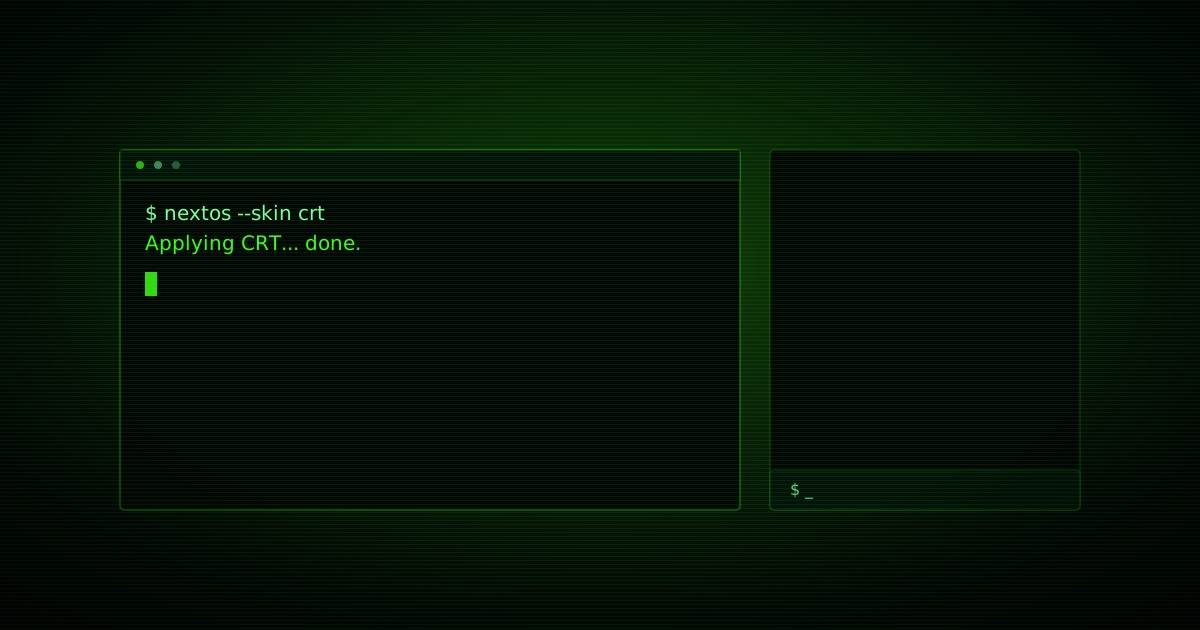
A green phosphor terminal: scanlines, a soft bloom and a faint 60 Hz flicker over a black-on-green command line.
01Get it
Install
in one step.
Open it in NextOS and the skin installs itself. It runs code with full access to the OS, so it asks you to approve it once before it ever runs - see "What the code does" below.
- Version 1.0.0, CC0-1.0 licence
- Published 2026-09-18, updated 2026-09-18
- Runs on Web
02The look
What it repaints,
rendered from the skin itself.
- Ground
#020805 - Panel
#03170c - Window
rgba(3, 20, 10, 0.95) - App body
#020805 - Ink
#7cff9e - Accent
#39ff14
- A dark skin
- A grid sky
- The command strip sits at the bottom
- Window chrome is flat
- Compact spacing
- App glyphs are square
- Type: ui-monospace, SFMono-Regular, Menlo, Consolas, monospace, medium size
03Runs code
What the code does,
in the author's own words.
Tokens and CSS can only go so far - this skin also carries a small program with the same full, unsandboxed access to the system a native app already has: the DOM, every store, timers, canvas, anything. There is no sandbox. NextOS asks you to approve it once, showing you exactly this:
Draws a scanline + phosphor-bloom overlay over the whole shell and drives a faint 60 Hz brightness flicker with requestAnimationFrame. Purely cosmetic: it only adds a fixed, pointer-events:none overlay element and toggles a CSS custom property each frame - it reads no data, calls no other API, and removes the overlay and stops the loop completely when the skin is turned off.
If it ever throws, this skin's look stays applied and NextOS reports the error - it can never break the shell.
04About
Listed by Kumin Consulting. Edit this listing · keywords: crt skin, nextos skin, nextos theme, terminal theme, skin script, skin, theme, dark